See Glydin in action.
Two ways of running a week with it. The same app on the desk, on a tablet, and in your pocket.
Running a workshop
Pottery, woodworking, a garden that will not weed itself. Every build gets a plan, and every hour at the bench gets counted.
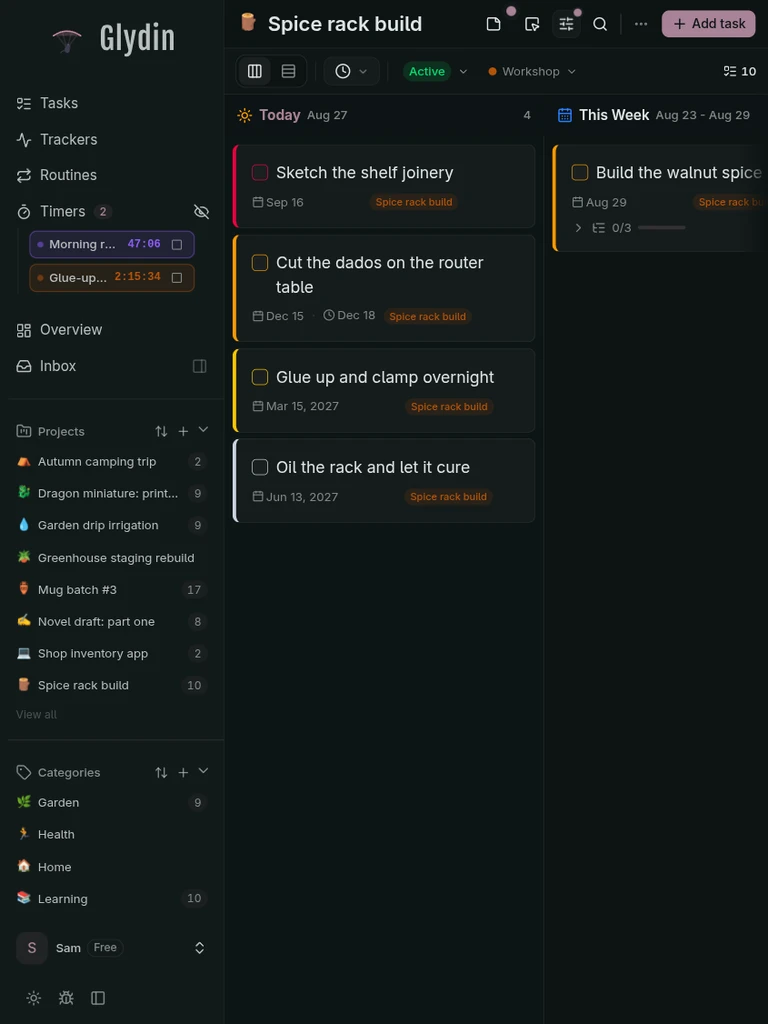
Plan the week next to the year
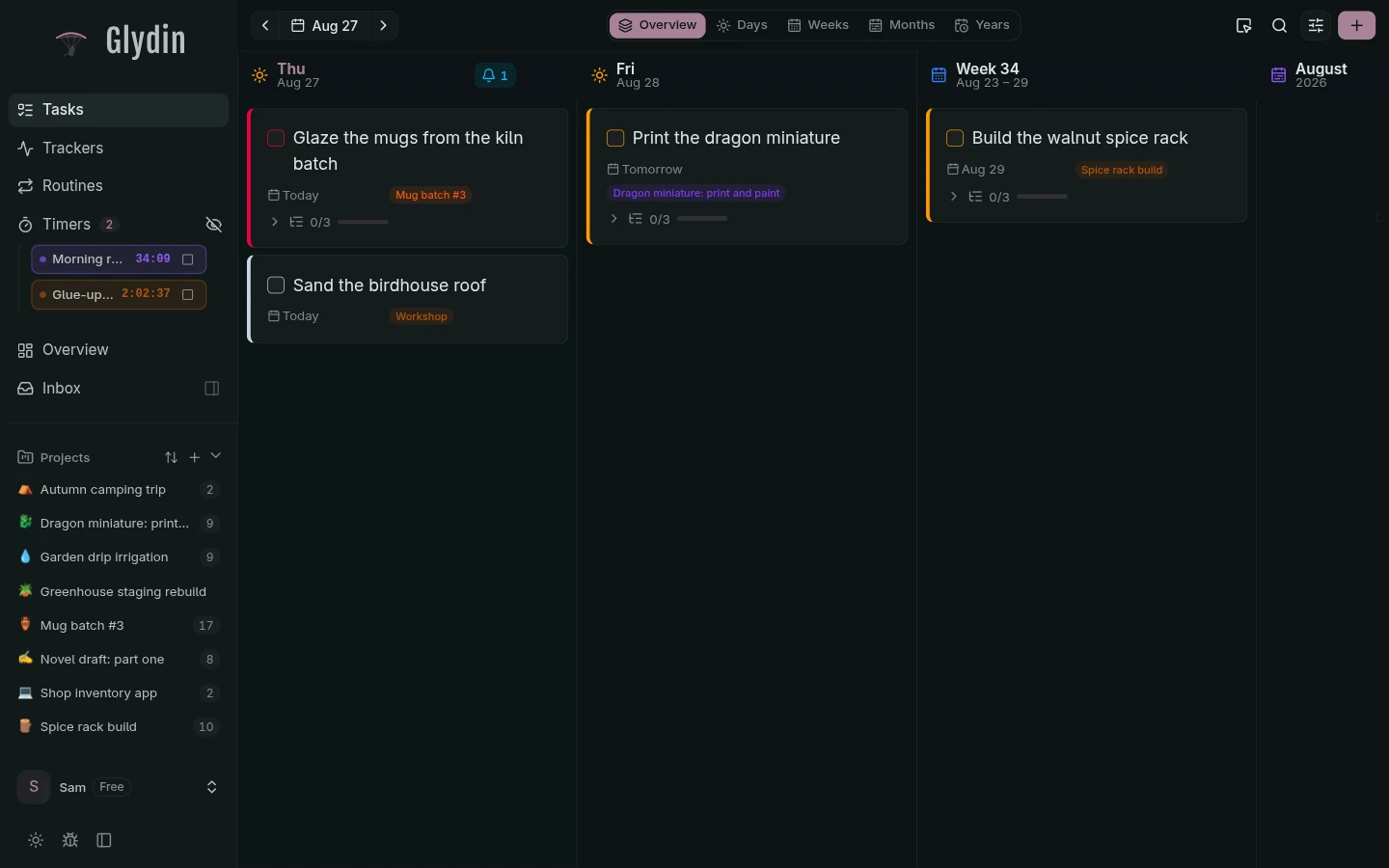
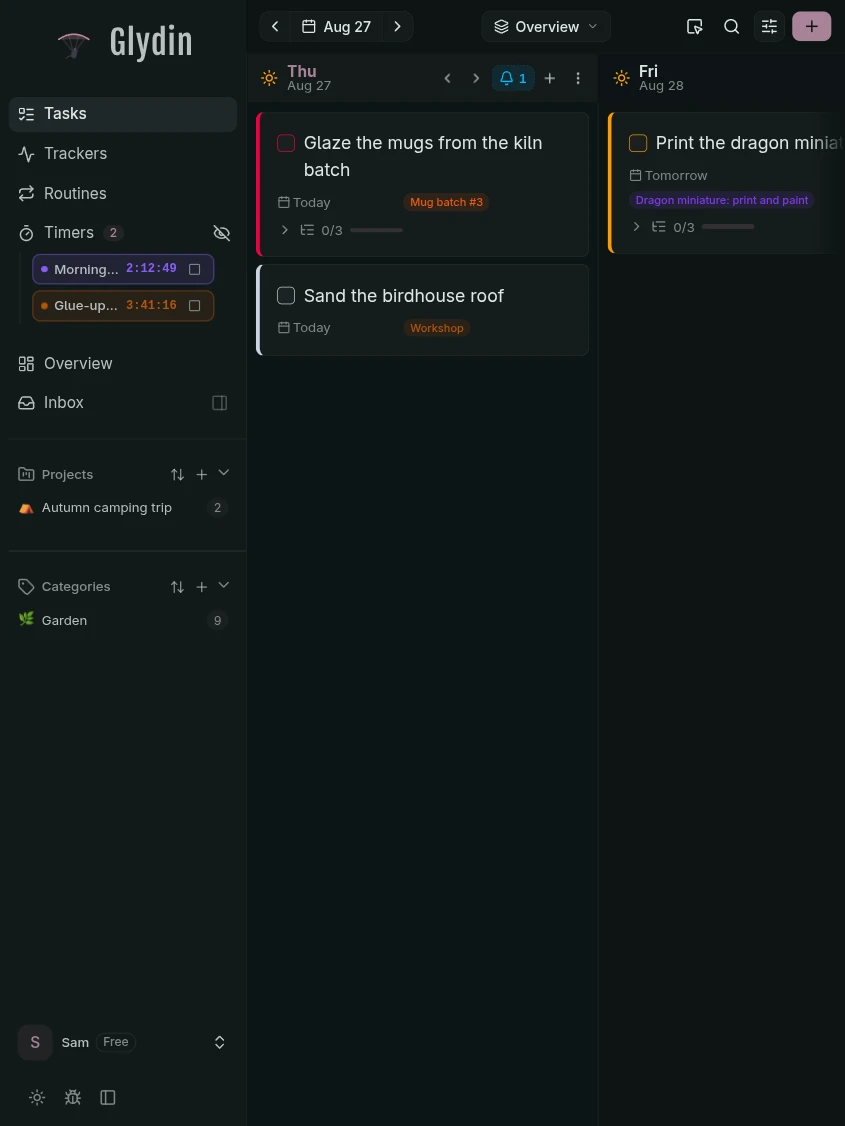
Today sits beside the week, the month, and the year it belongs to. Drag a task between columns and the plan follows.

The day at a glance
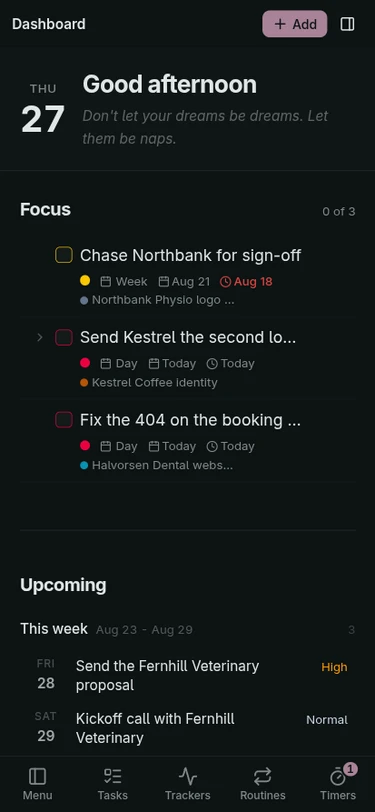
What is due, what is running, and what you have logged so far, on one screen you can open first thing.
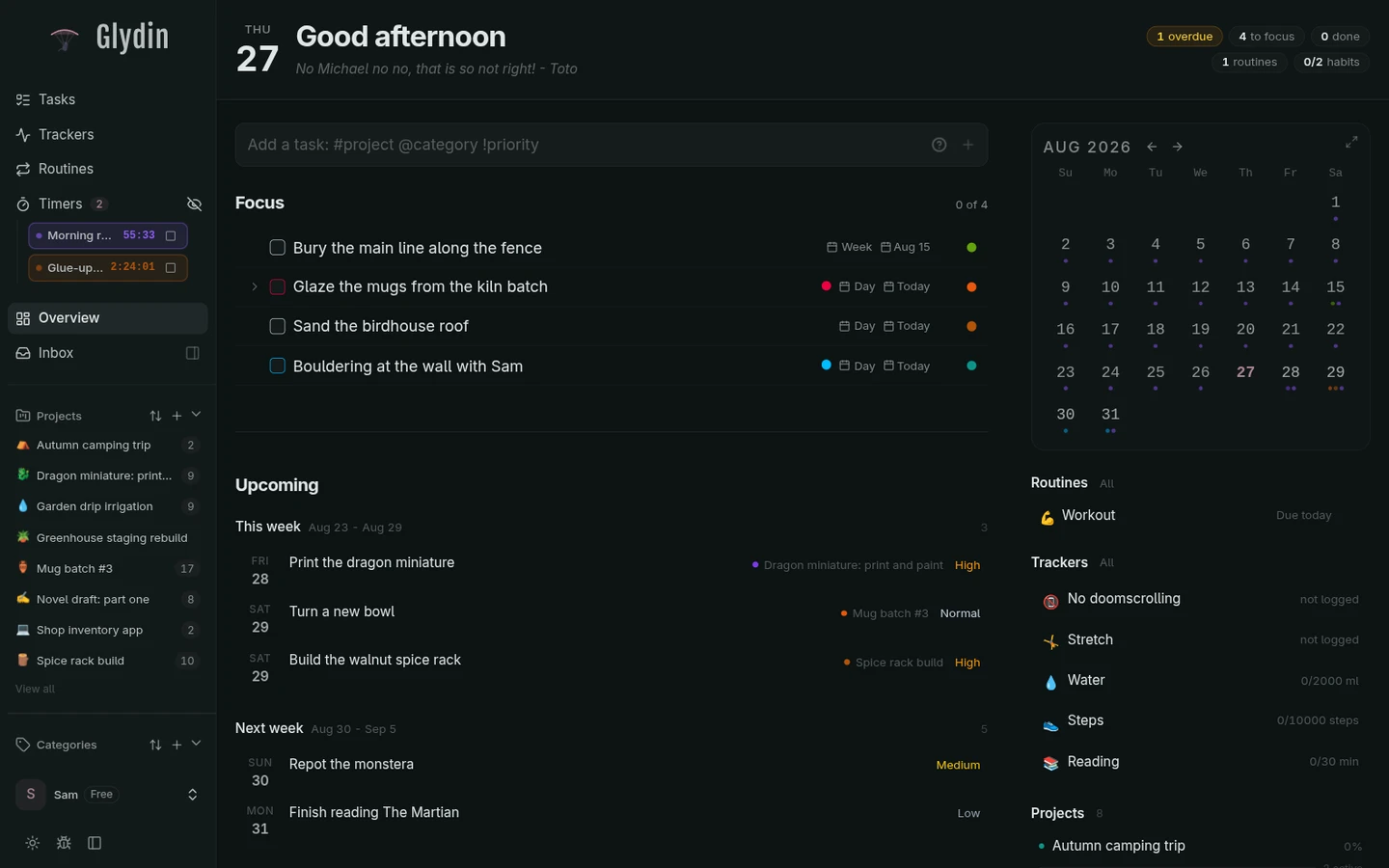
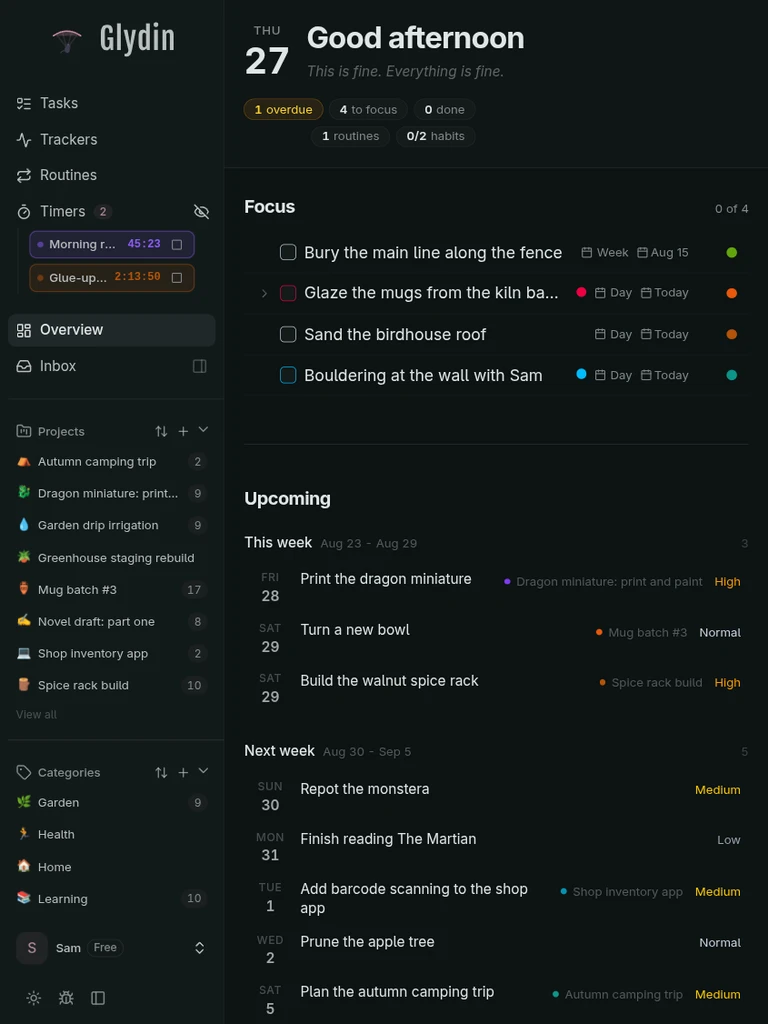
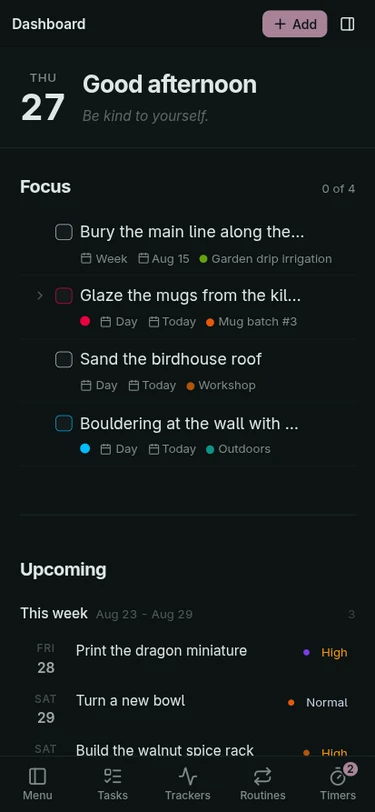
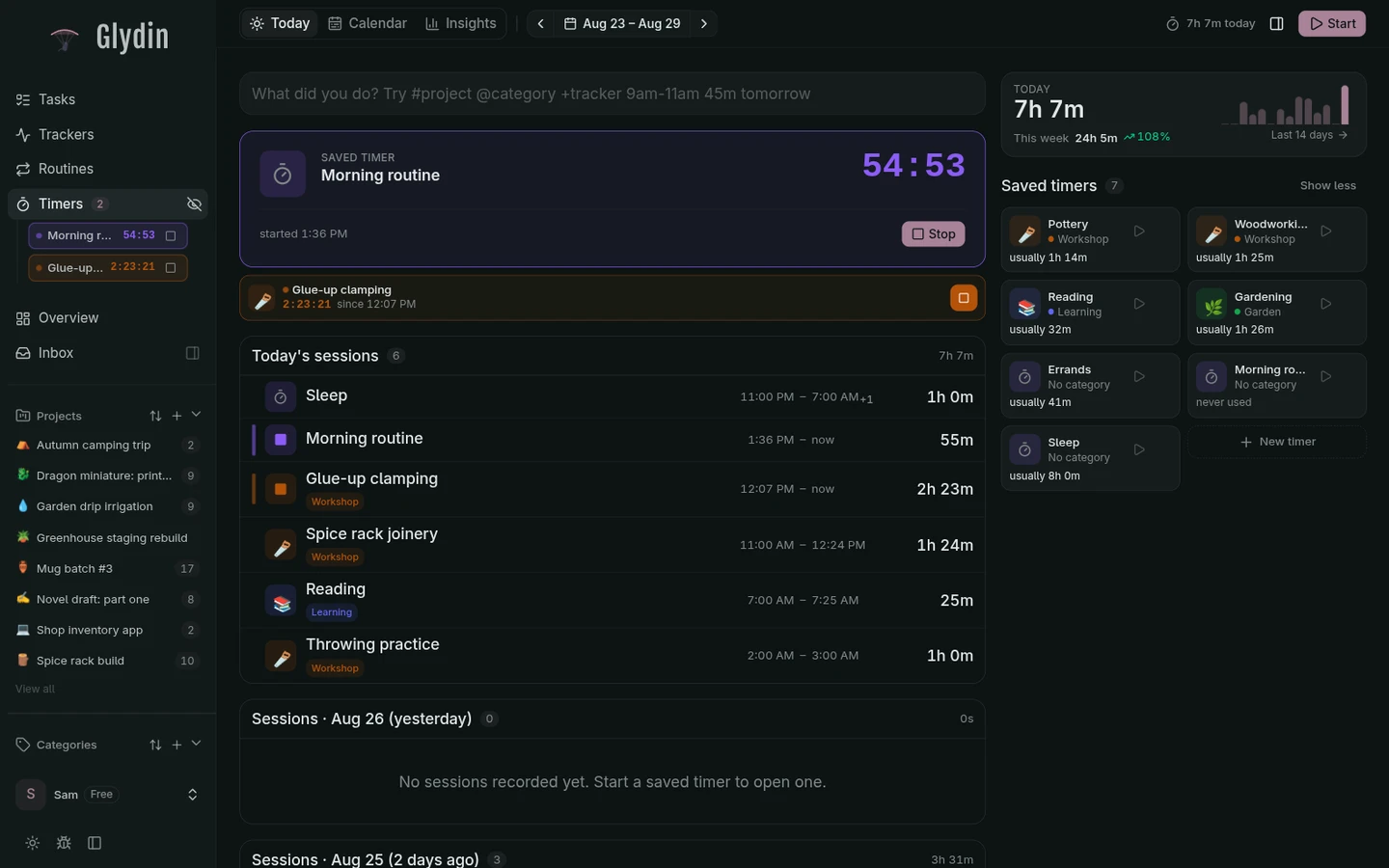
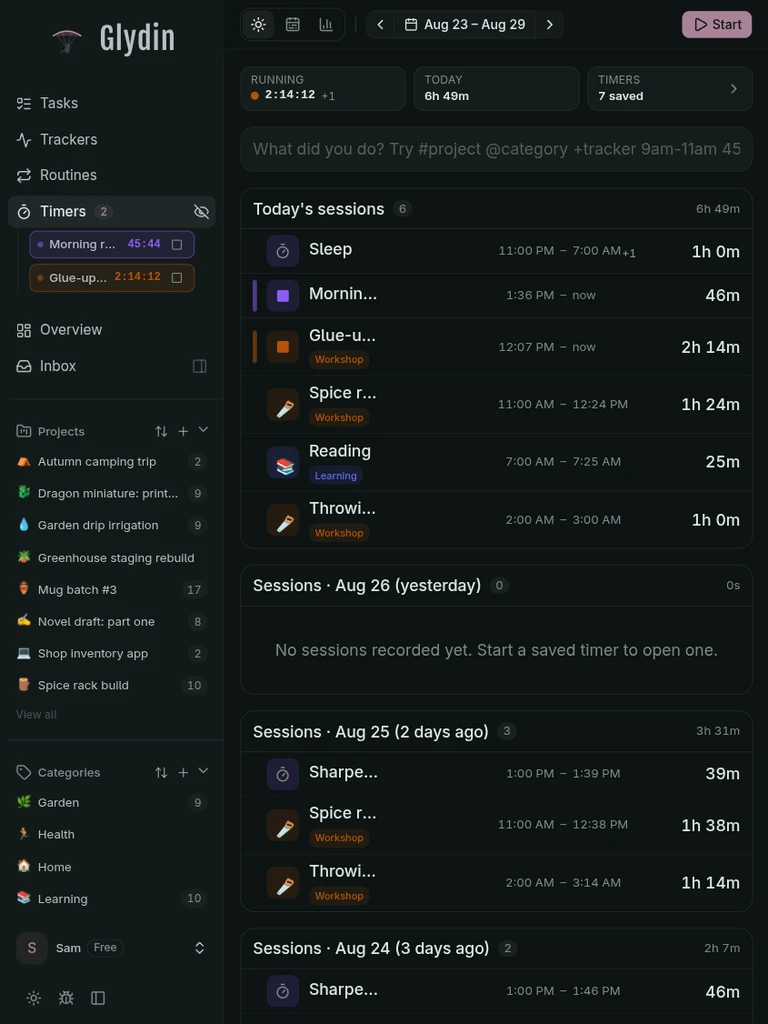
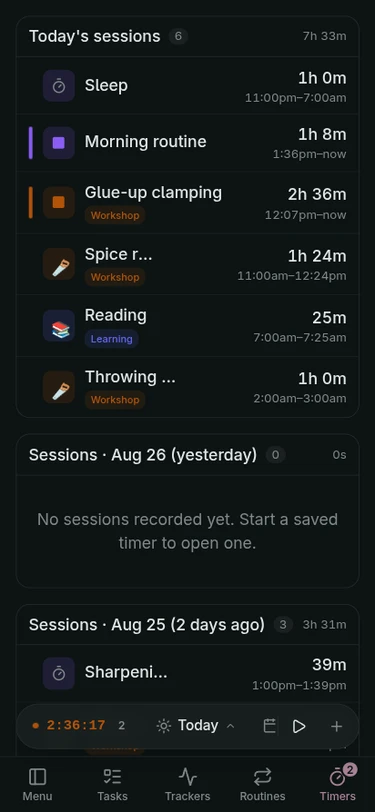
A timer for every craft
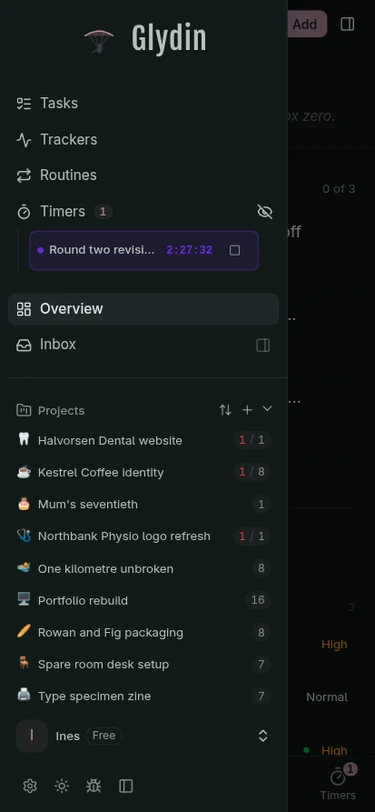
Saved timers for the wheel, the shop, and the garden. Start one, or a few, and every session lands on the timeline.
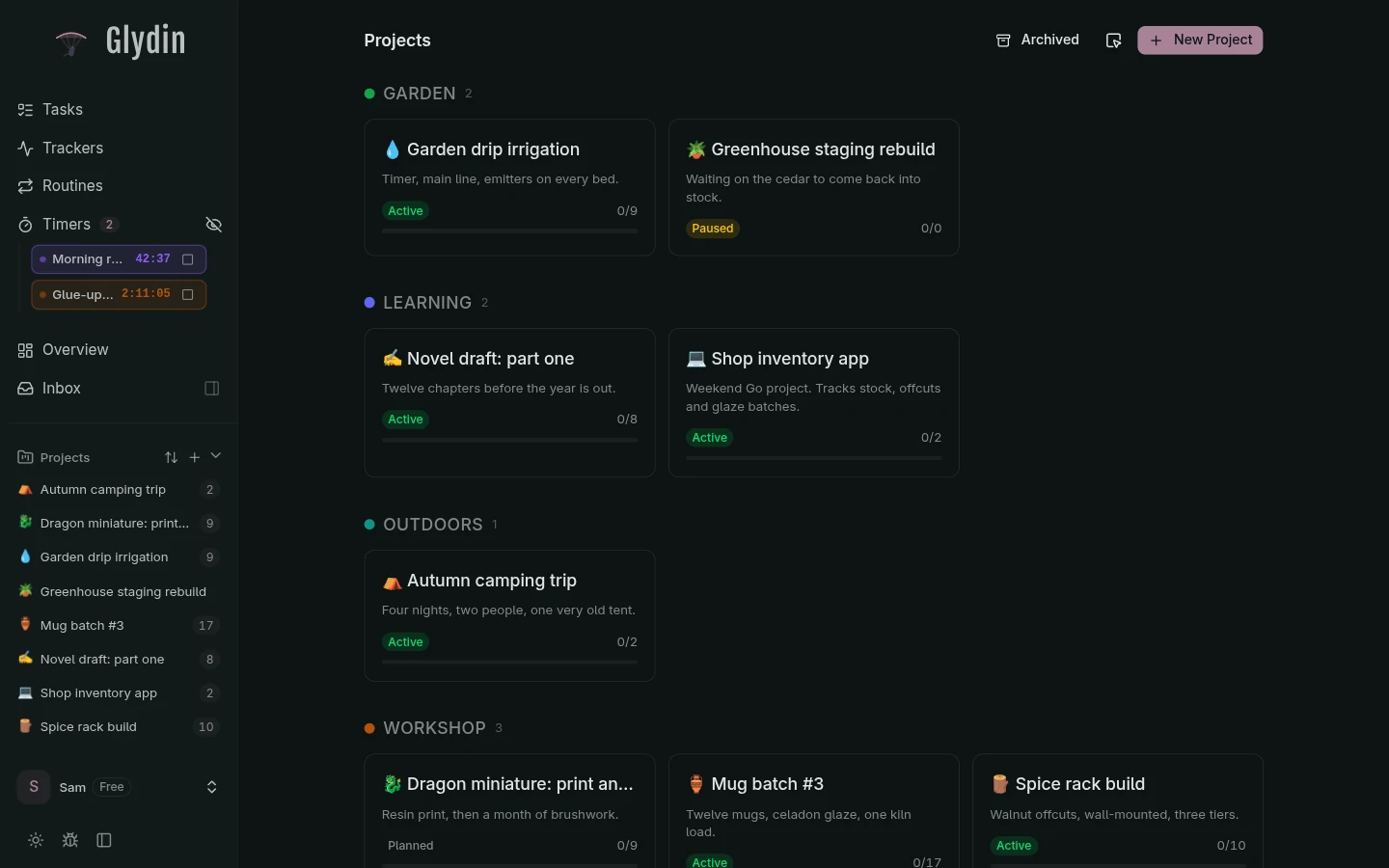
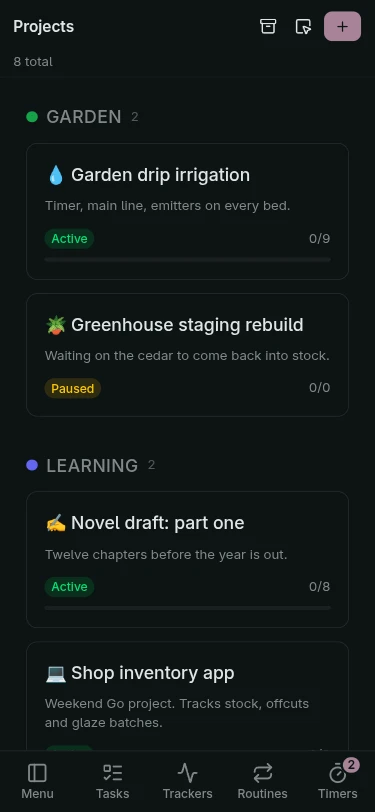
Every project has a home
Each build gets its own board of horizons, from the spice rack to the raised beds.
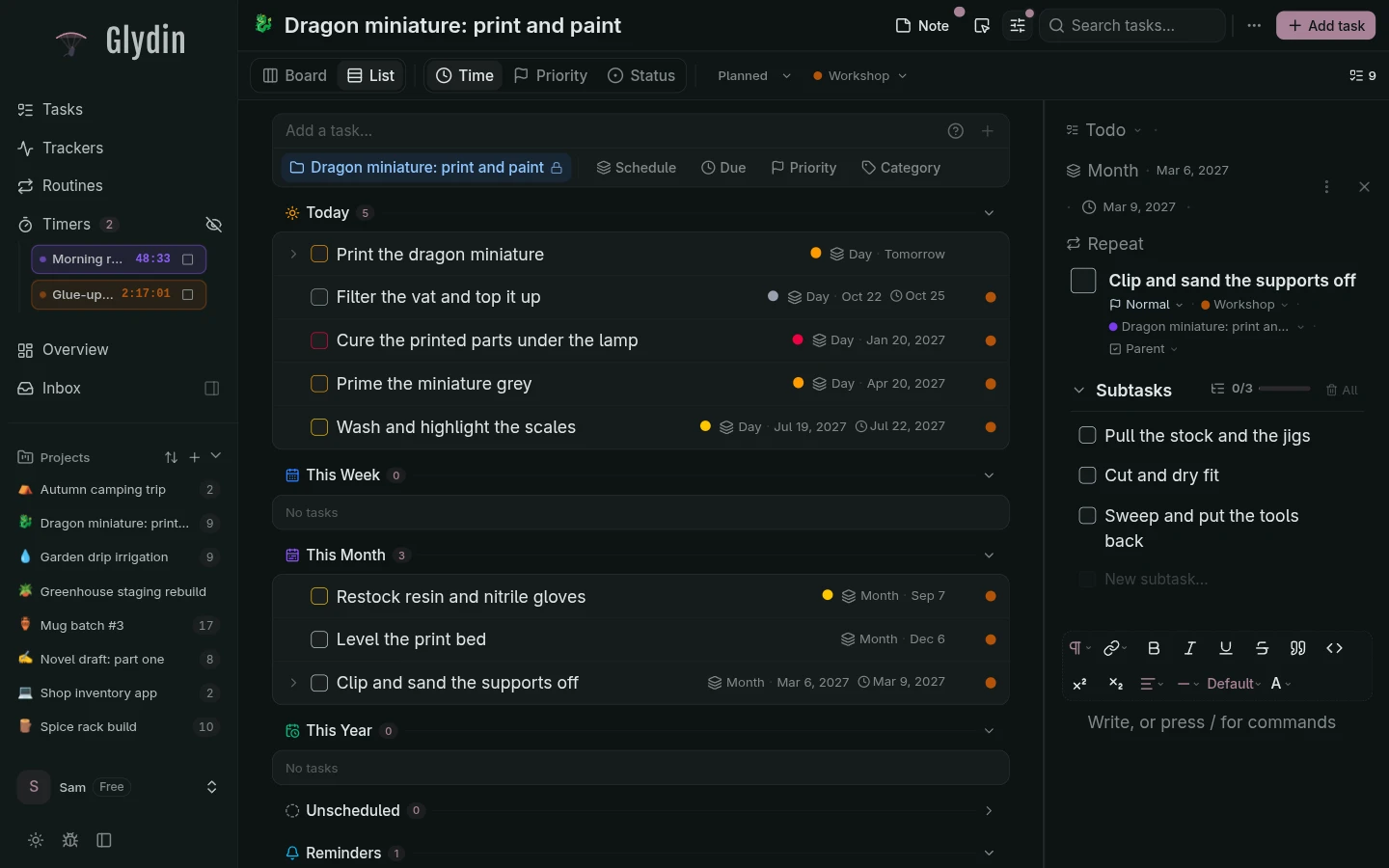
Open a task, see everything
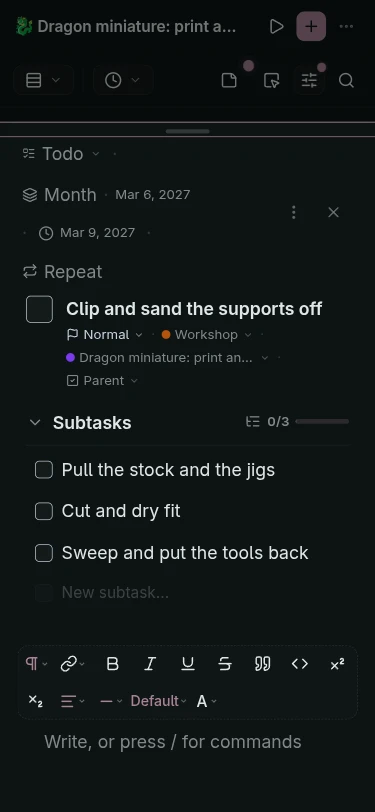
Subtasks, notes, and dates in one panel on desktop. On the phone, the same detail slides up as a sheet.
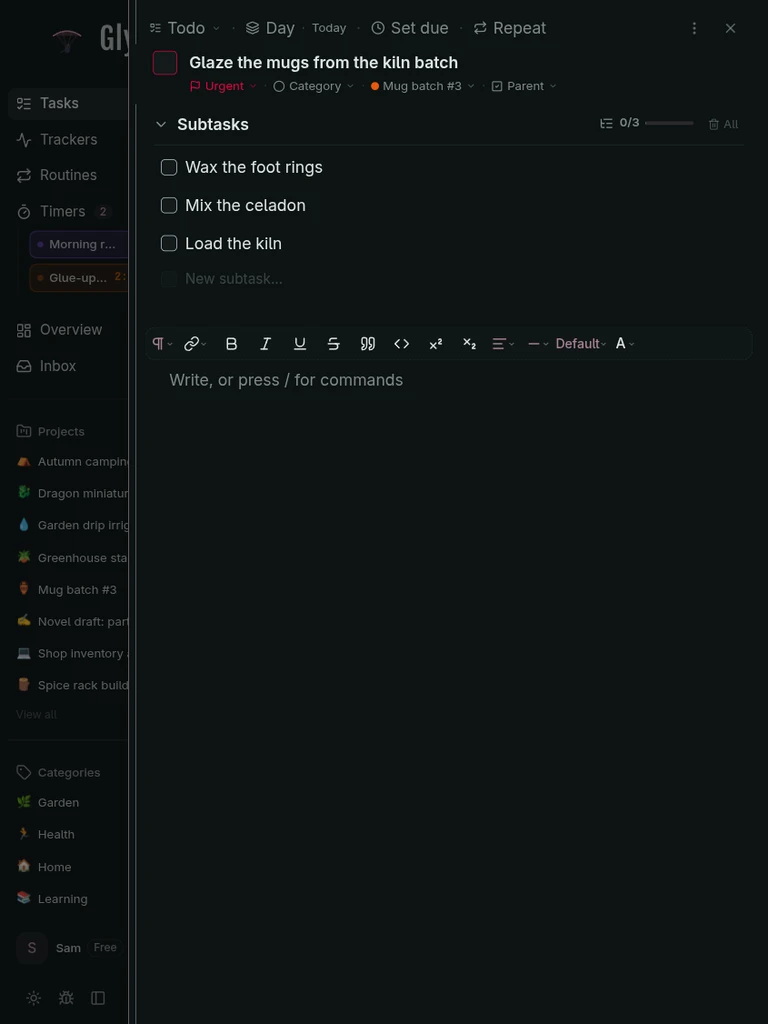
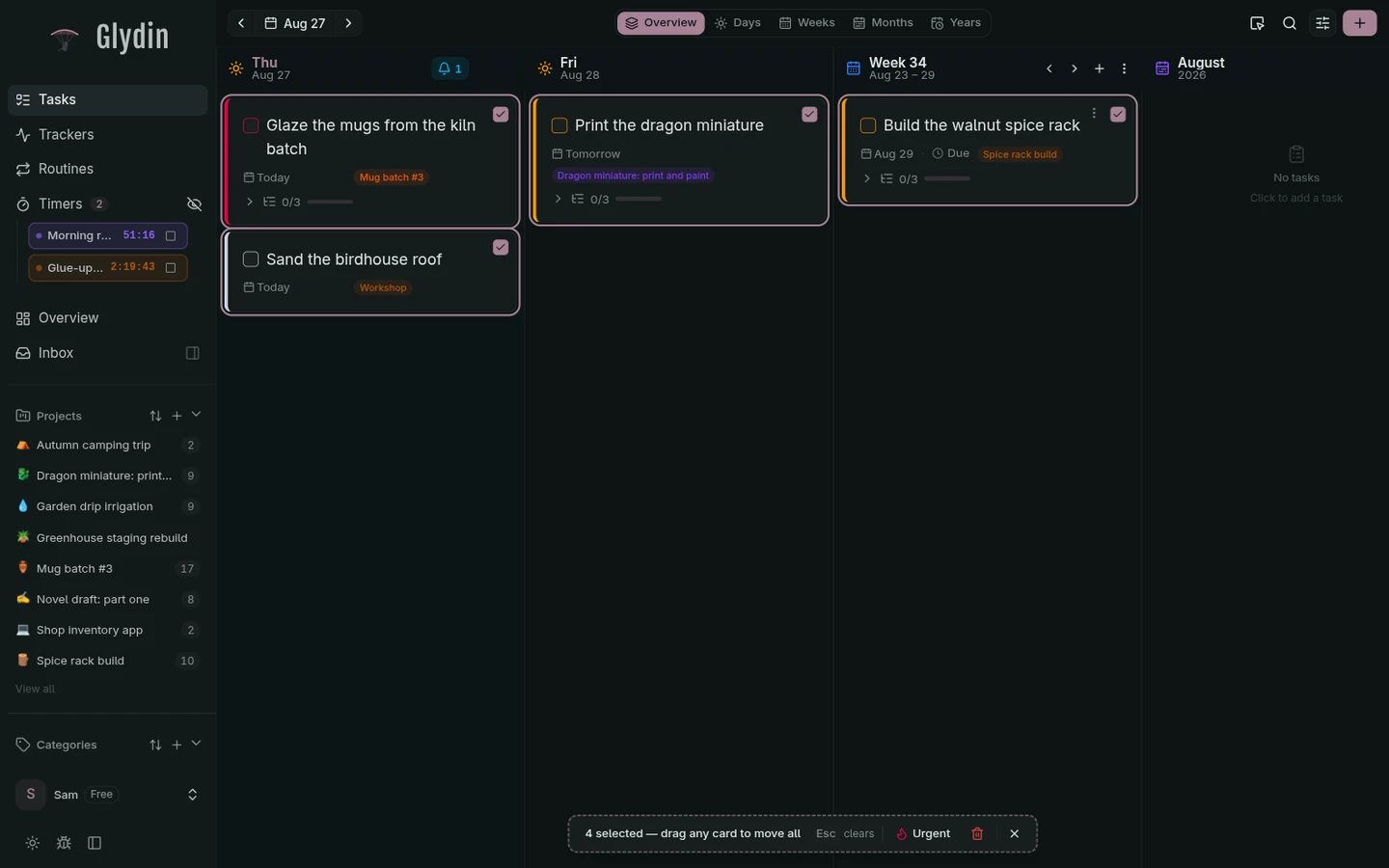
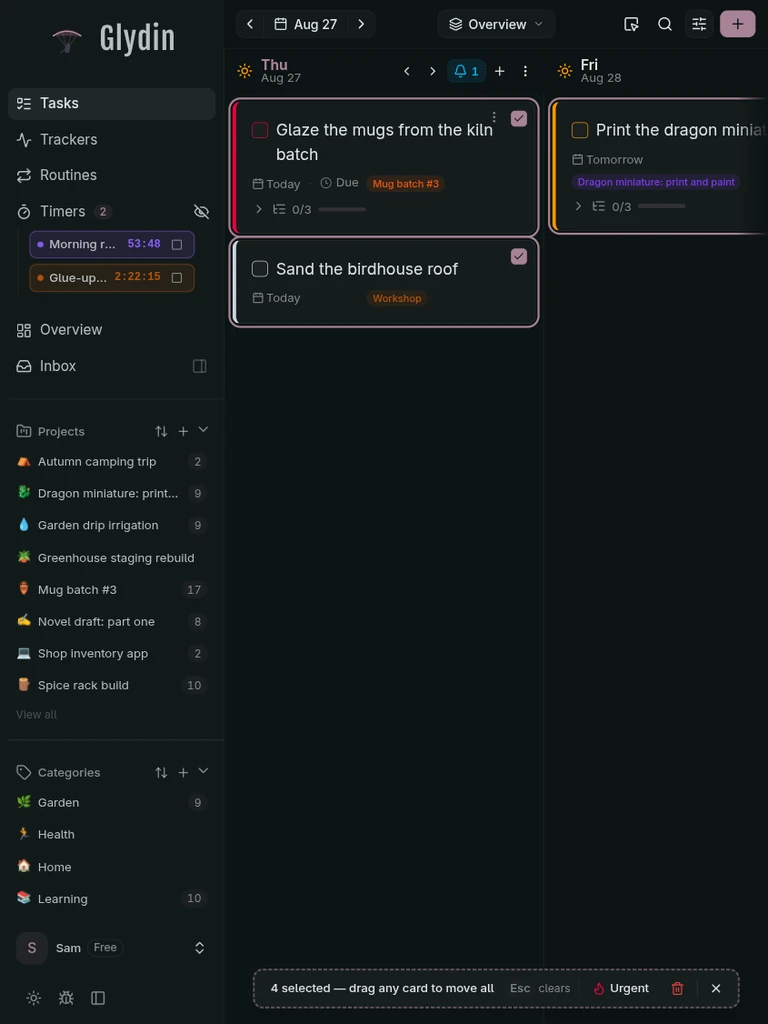
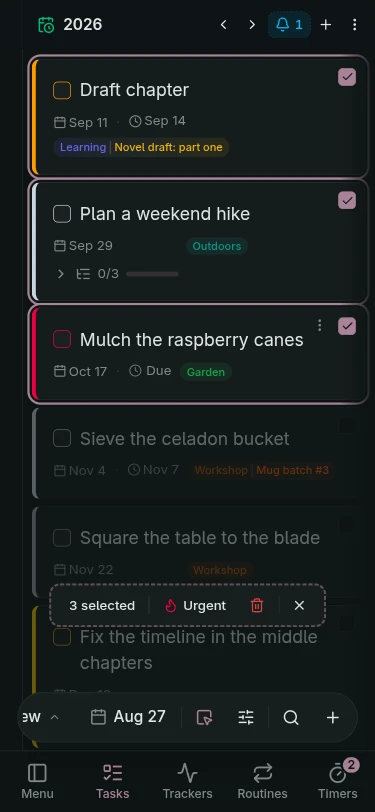
Move a pile of tasks at once
Select several tasks and reschedule, tag, or clear them together instead of one at a time.
Freelancing solo
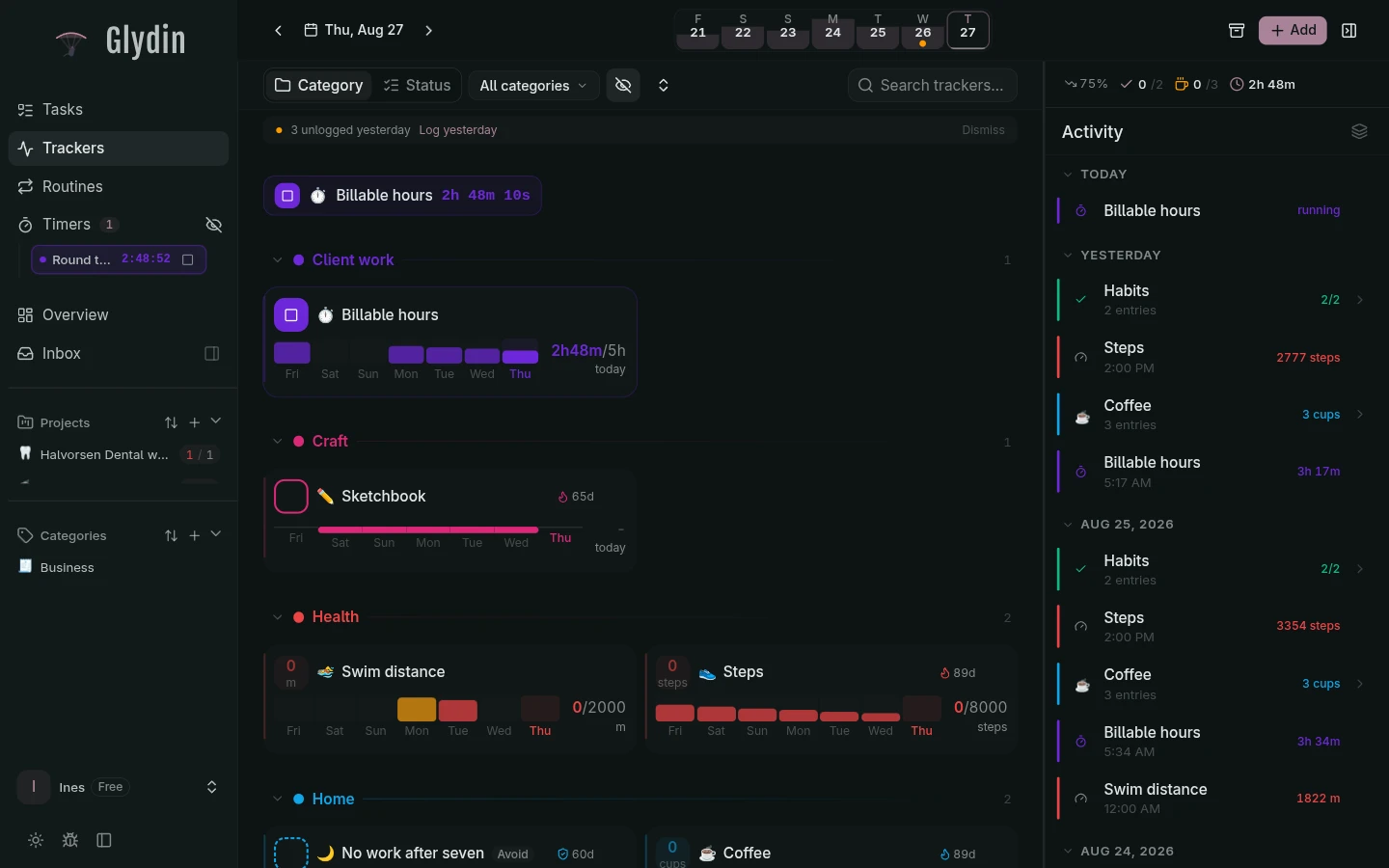
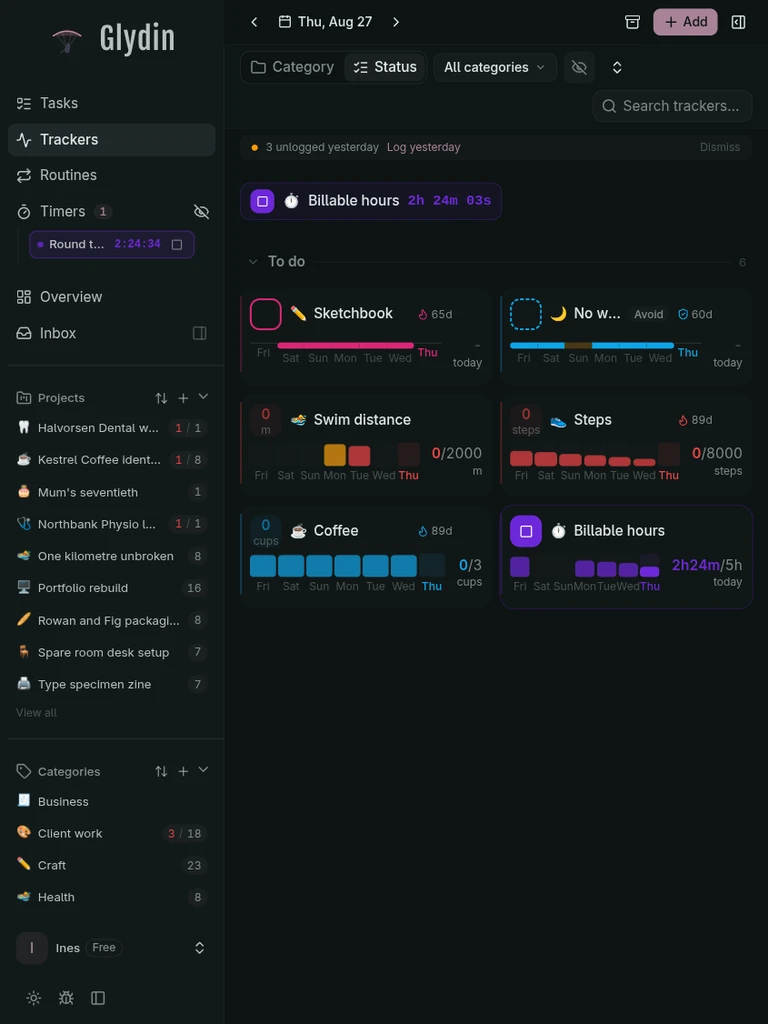
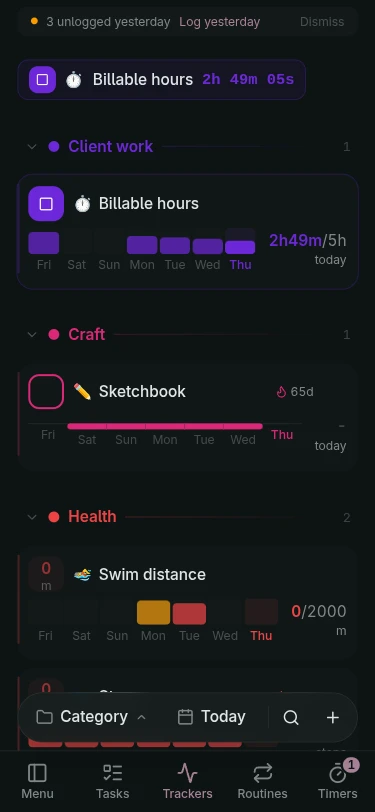
Client work, daily routines, and a body that needs water and sleep. The whole day lives in one place and the record fills itself in.
Log the day in taps
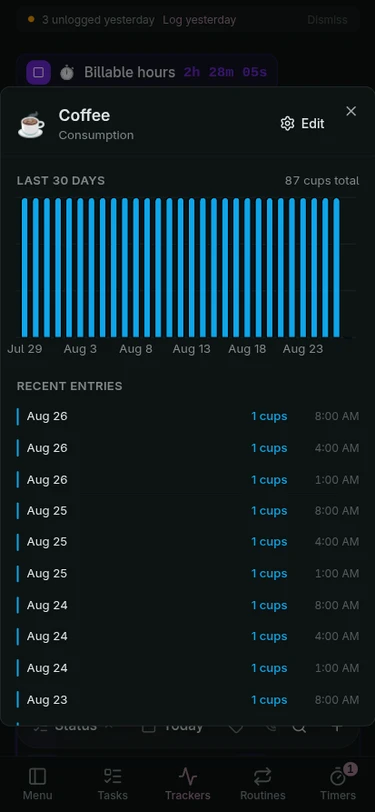
Water, sleep, and habits, logged in one tap each. No tagging, no spreadsheet.
Mornings on rails
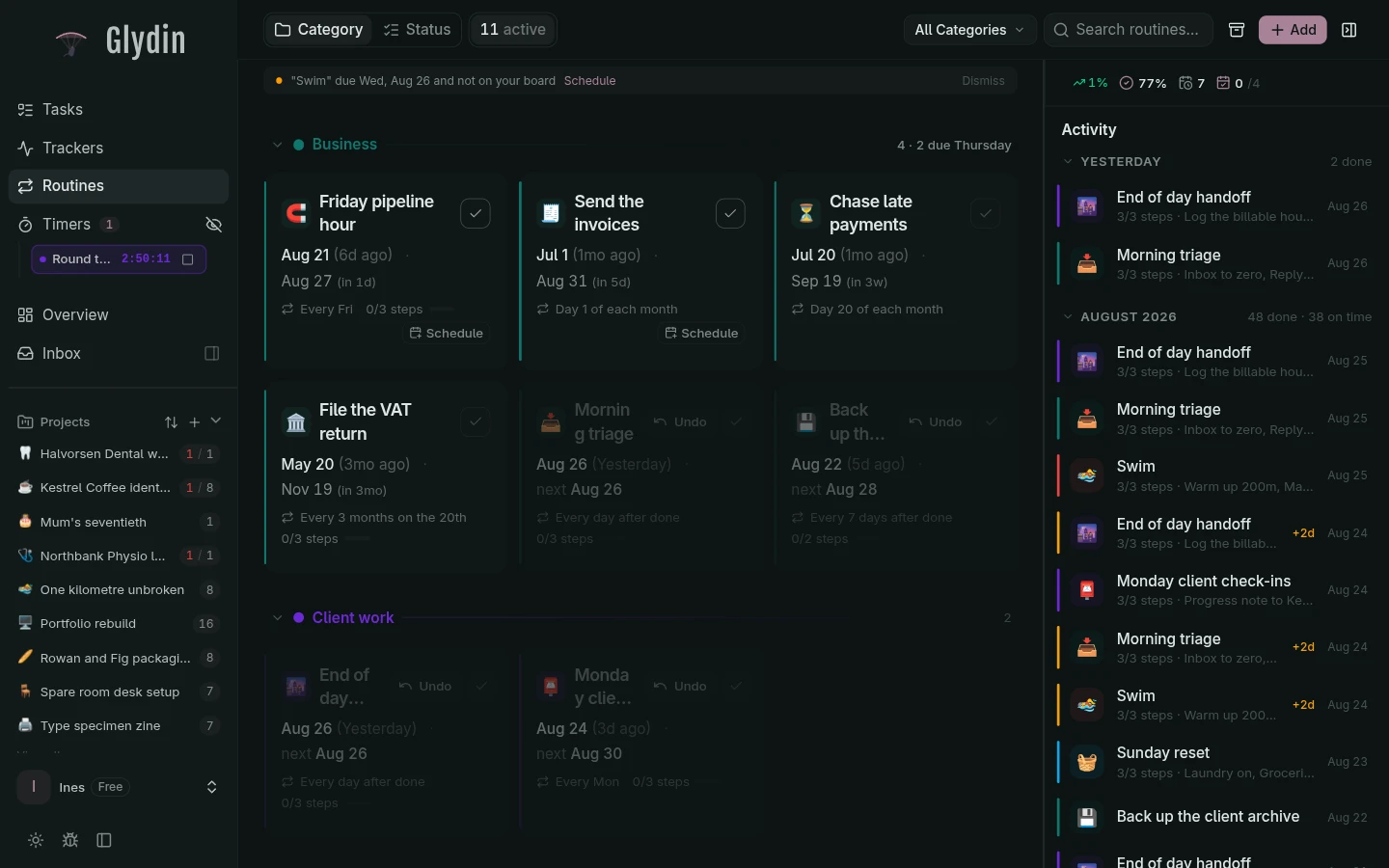
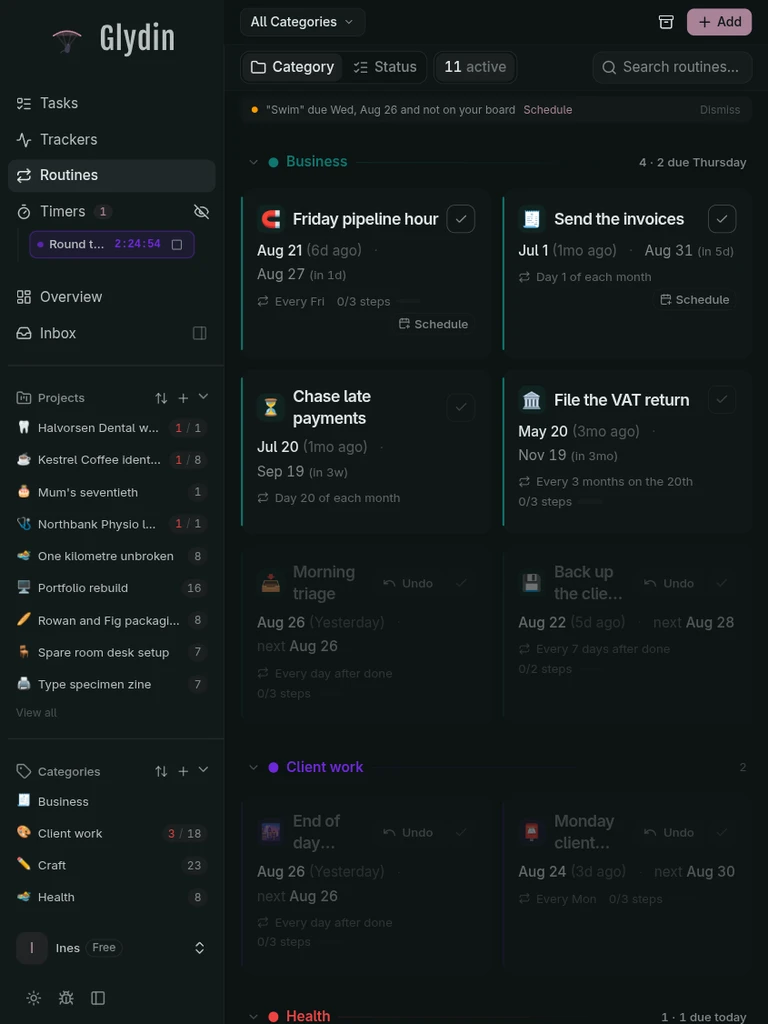
The opening checklist runs the same way every day, and the streak shows for it.
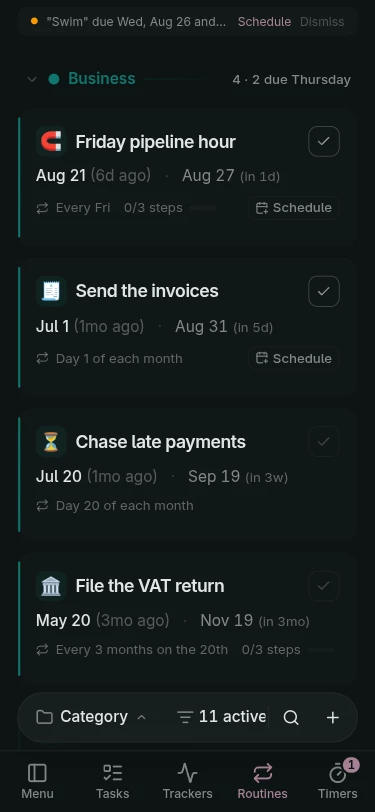
Context where it belongs
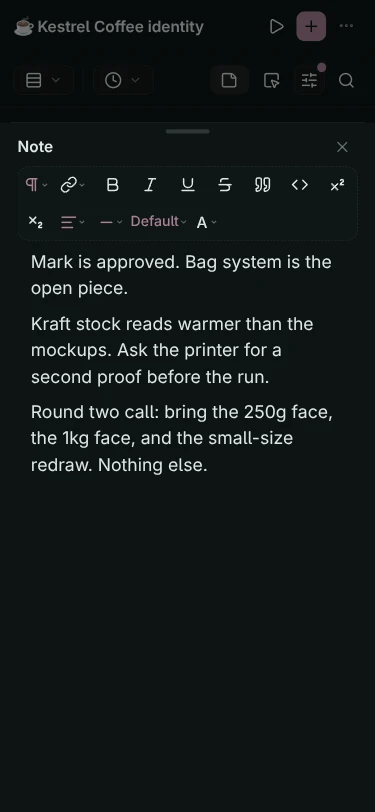
Notes live next to the tasks and days they came from, not in a separate app.
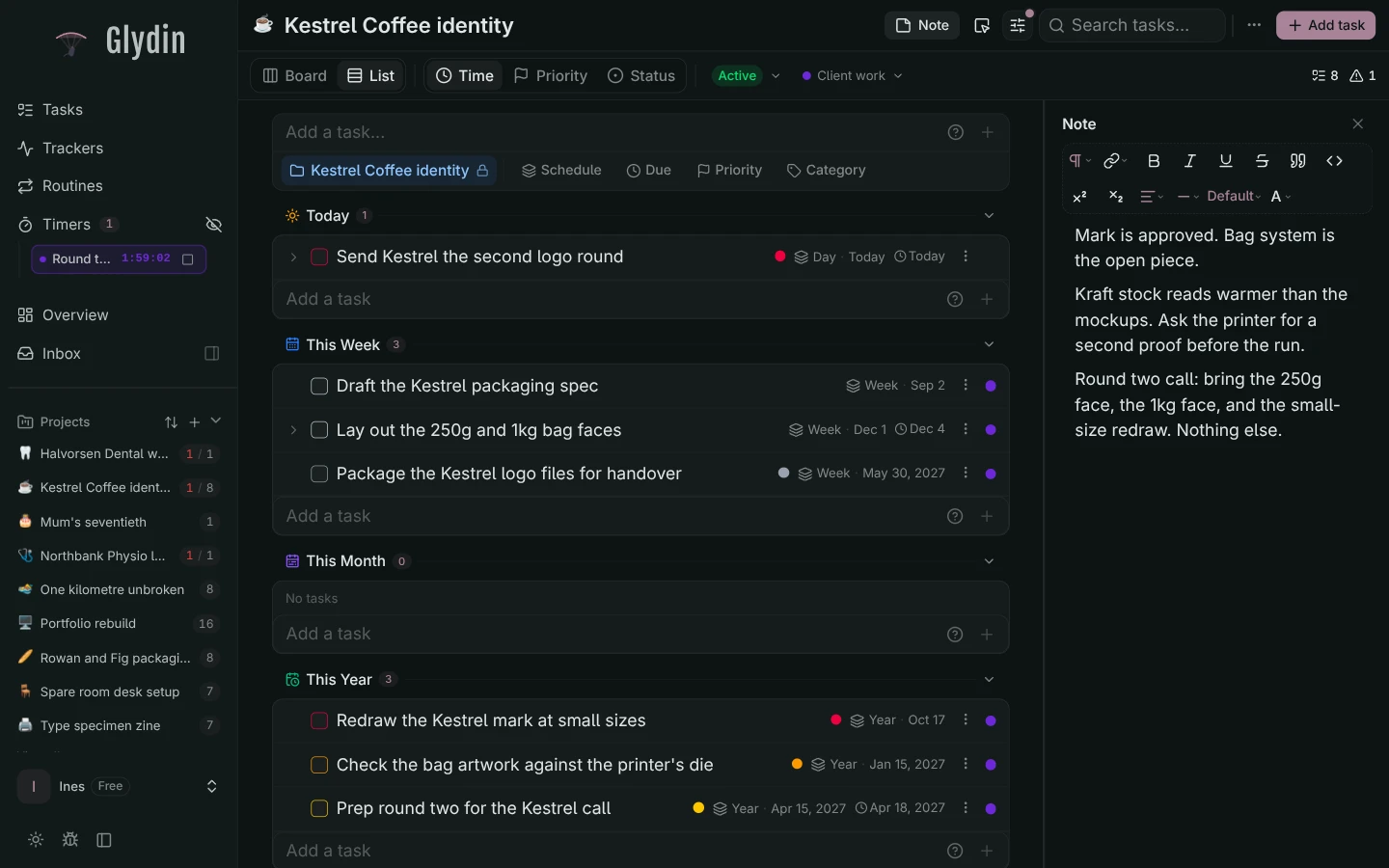
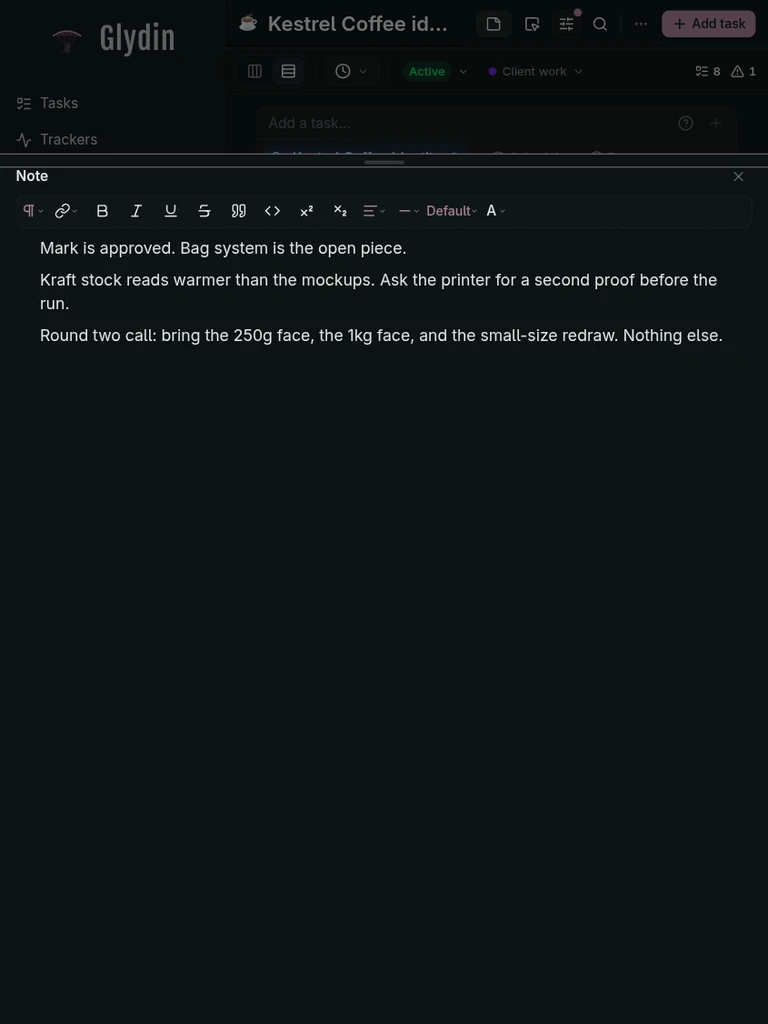
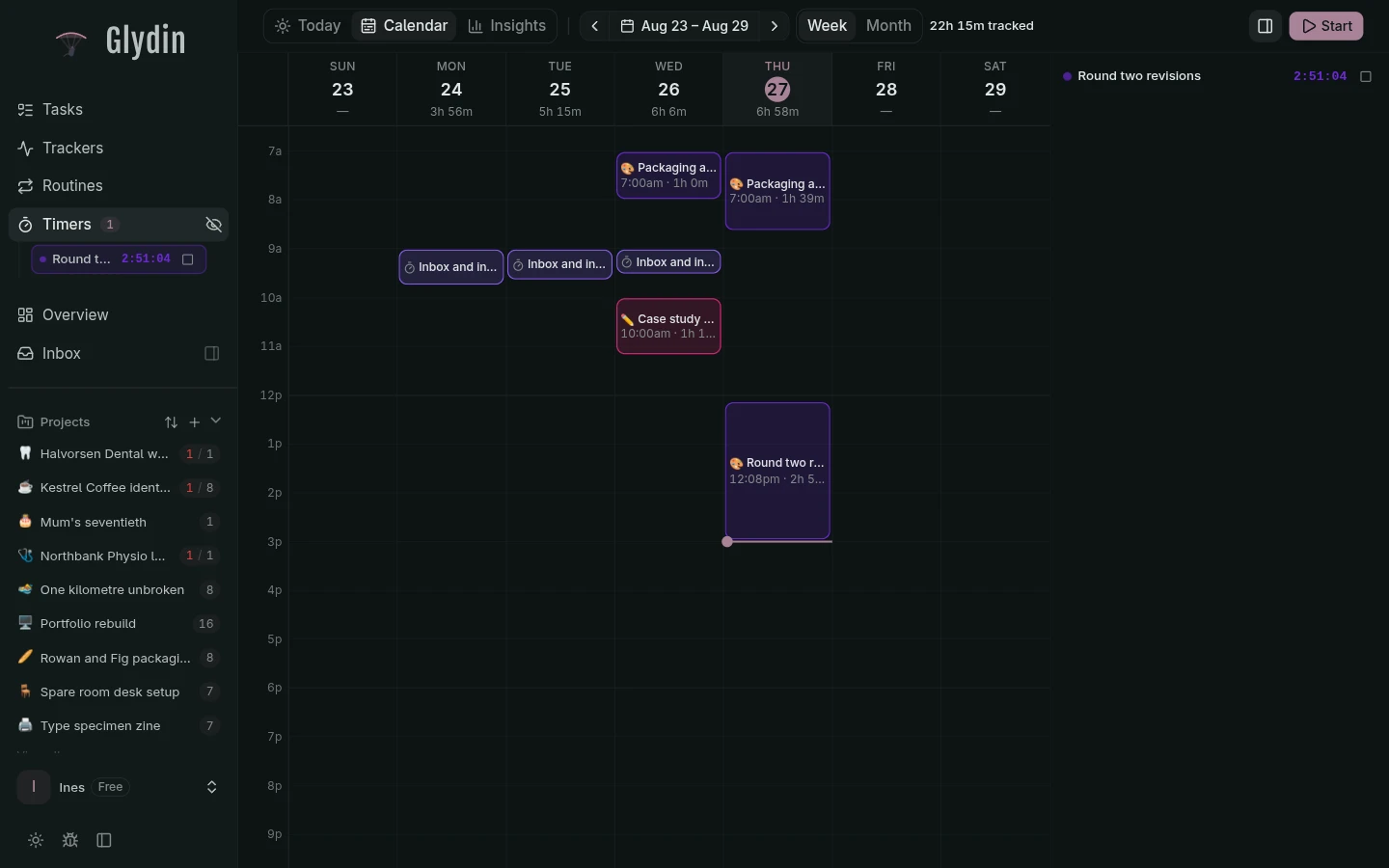
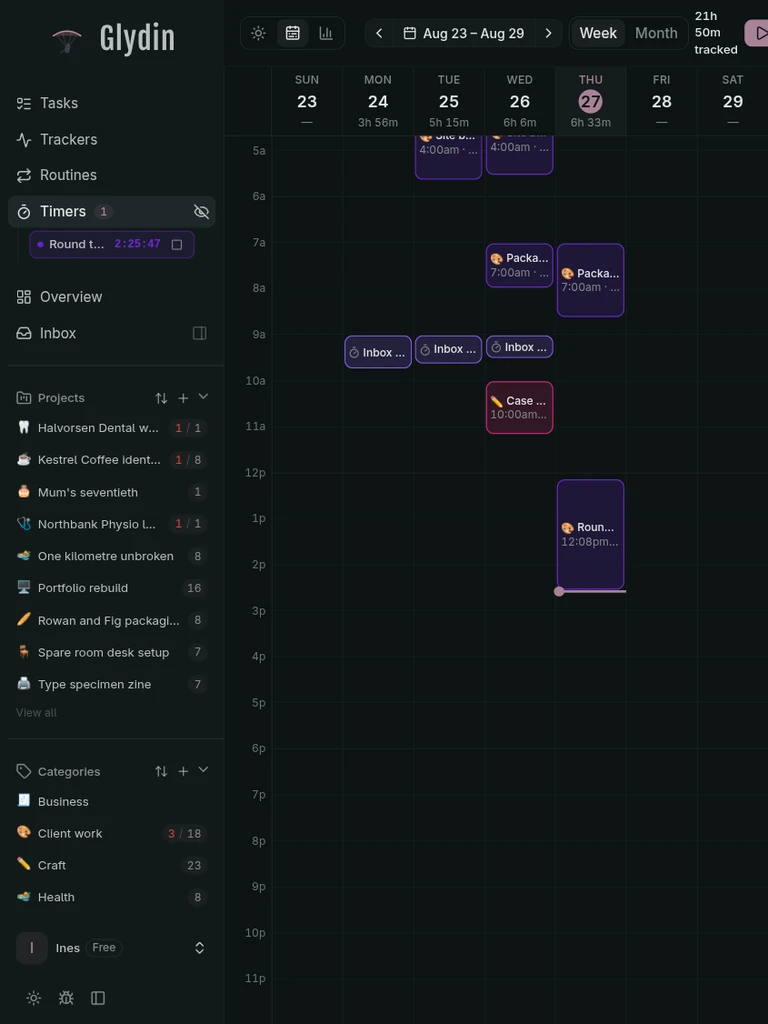
The week, as it happened
Every tracked session laid out on the calendar. What was planned, next to what actually happened.
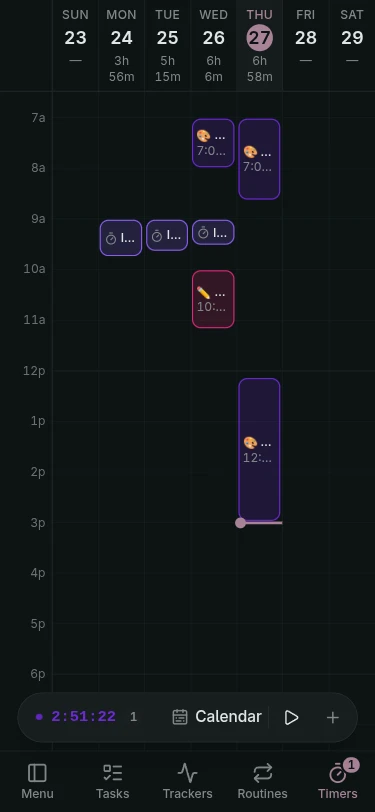
Made for your thumb.
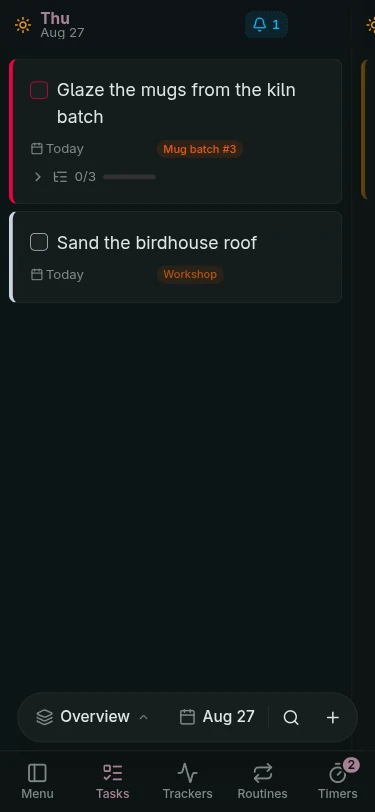
On the phone, Glydin moves like a native app. A floating tab bar to get around, bottom sheets for the details.