🌅 6/6
Morning routine
next · Drink a glass of water
- Drink a glass of water
- Stretch 5 min
- Shower
- Breakfast and coffee
- Review today's plan Adds a task to Work
- Pack bag and keys
Sent to the task board · 1 step waiting on today
Do more of what you're into, without losing track of any of it. Tasks, routines, and trackers on one shared timeline: what you planned, next to what actually happened.


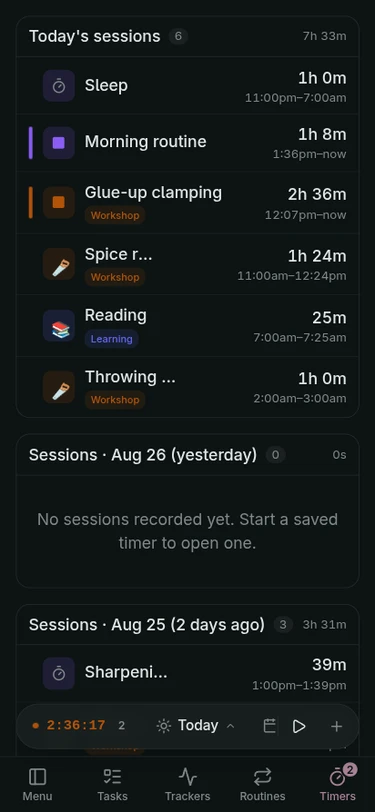
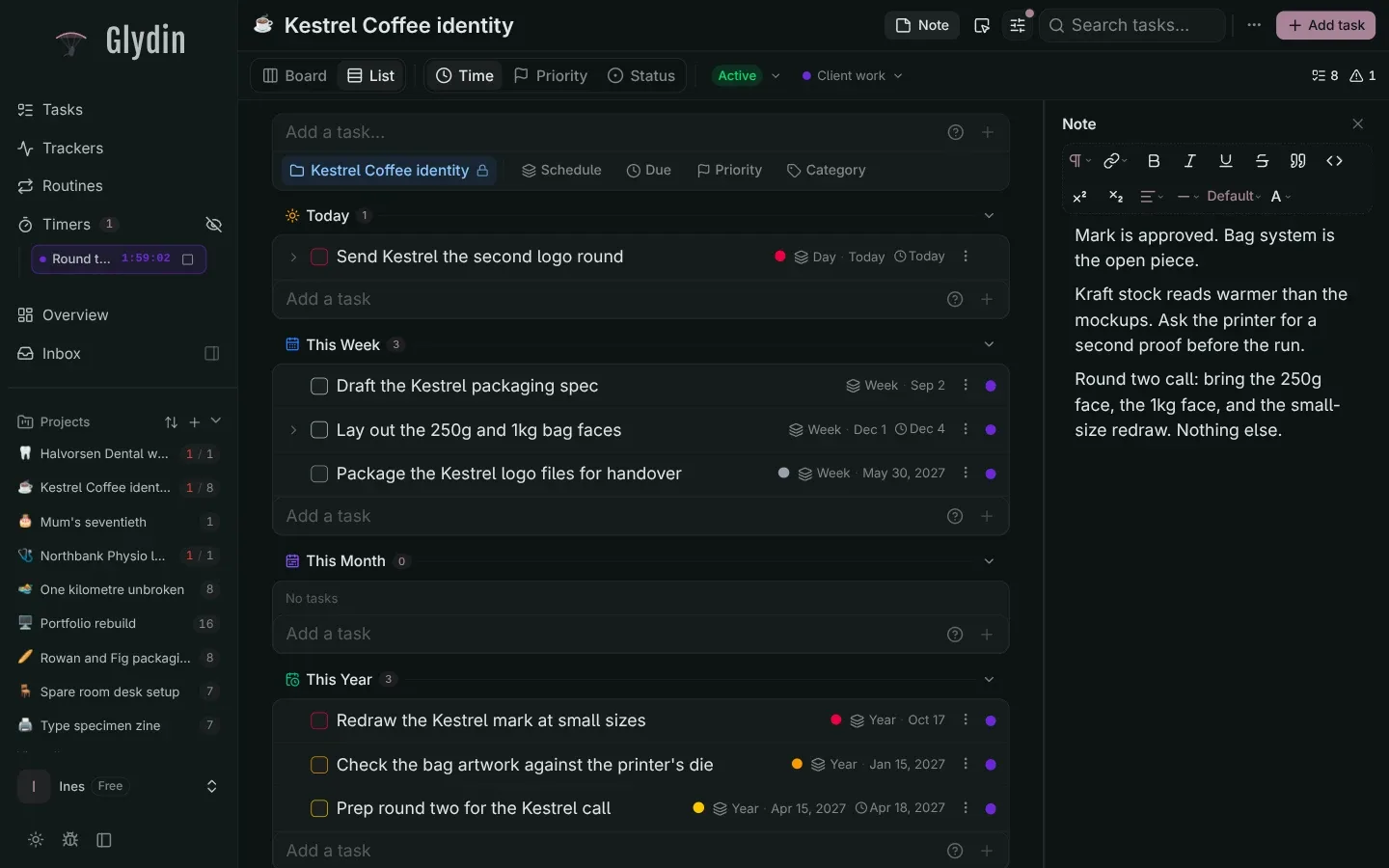
Less time planning what day do tasks get done. Bucket and focus on what's actually important. What you enjoy shouldn't be spent planning just drop it and do it. Timed kanban gives you the flexibility that a todo app never will.
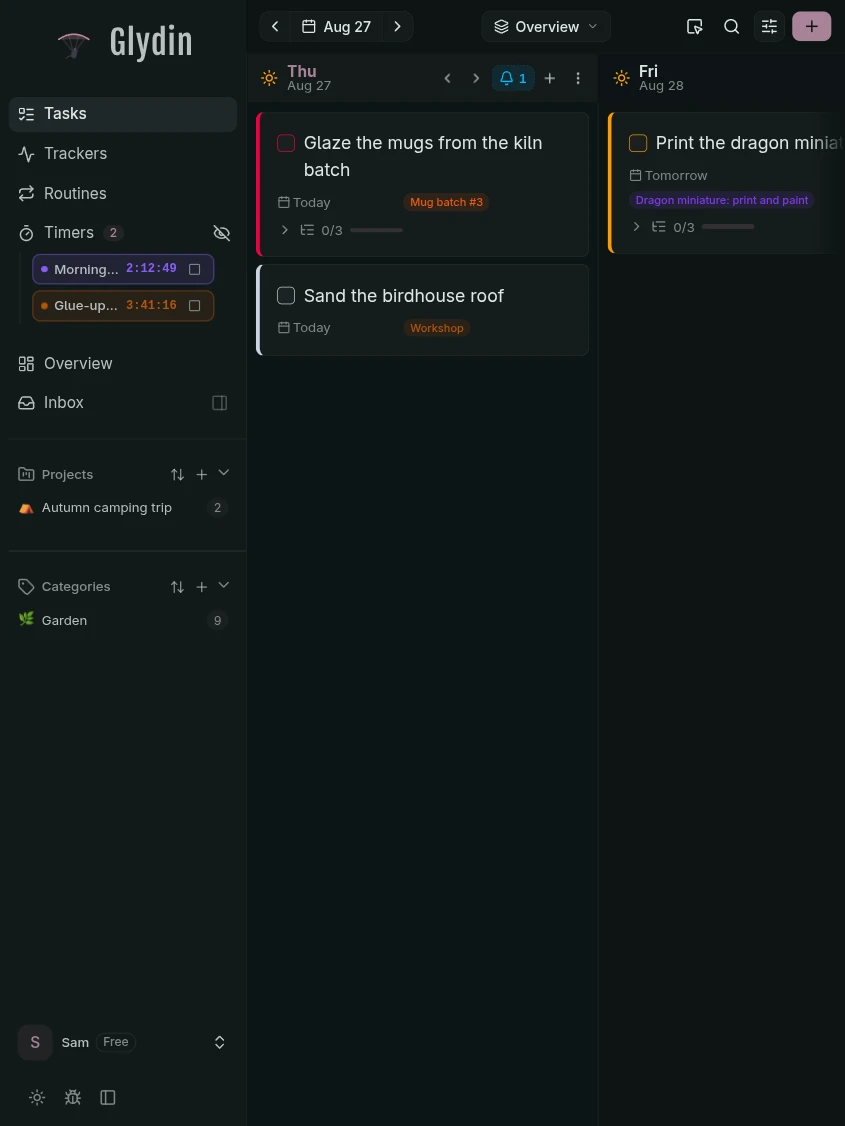
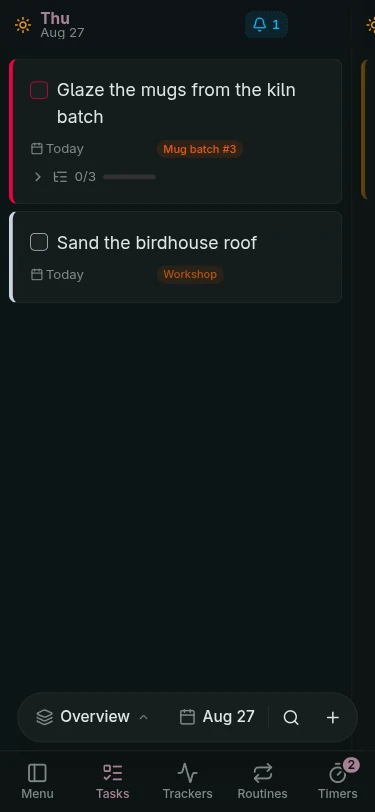
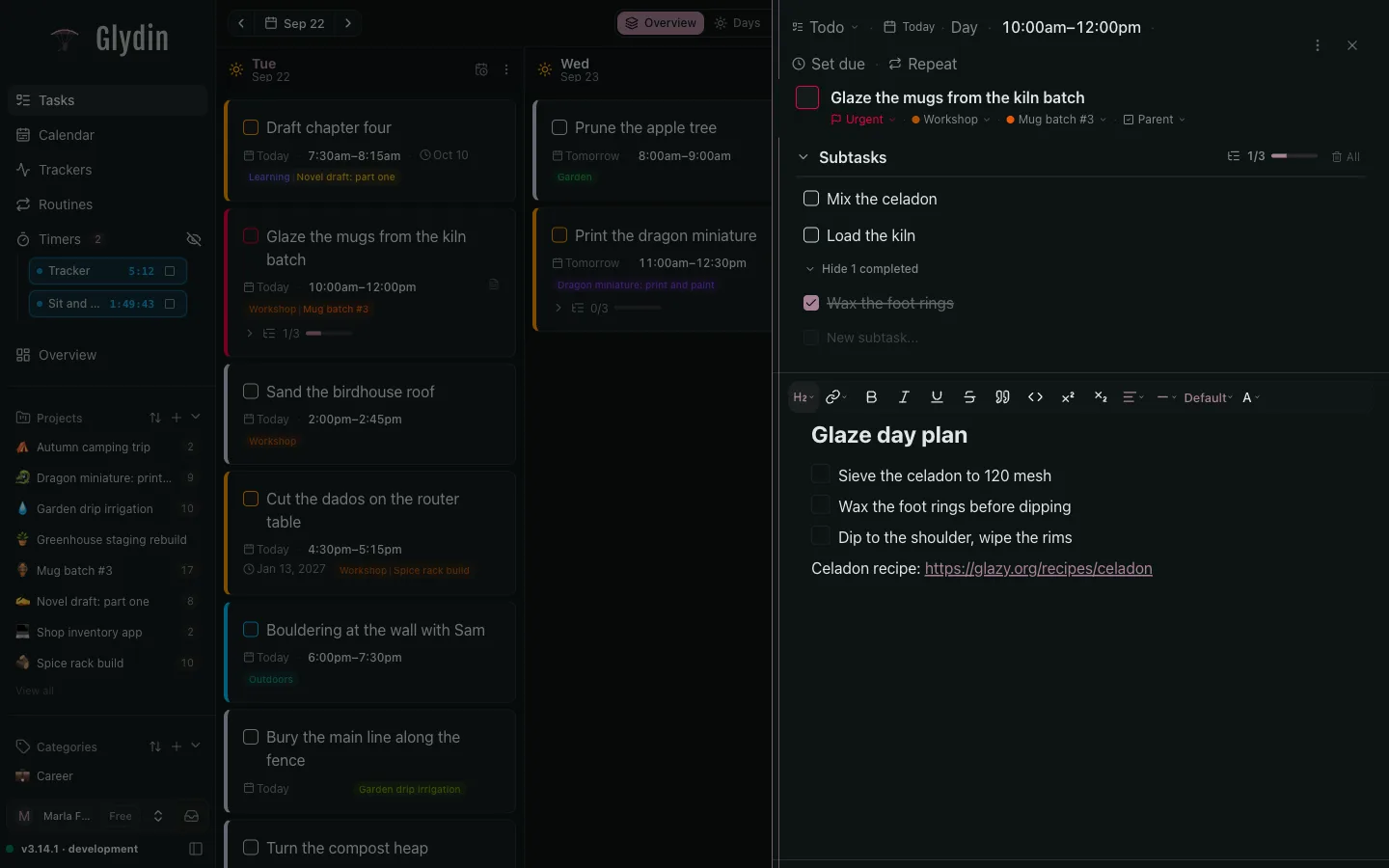
Use natural language for tasks. Automatically assign projects, categories with few keystrokes. Type "gym friday 6pm !p1".
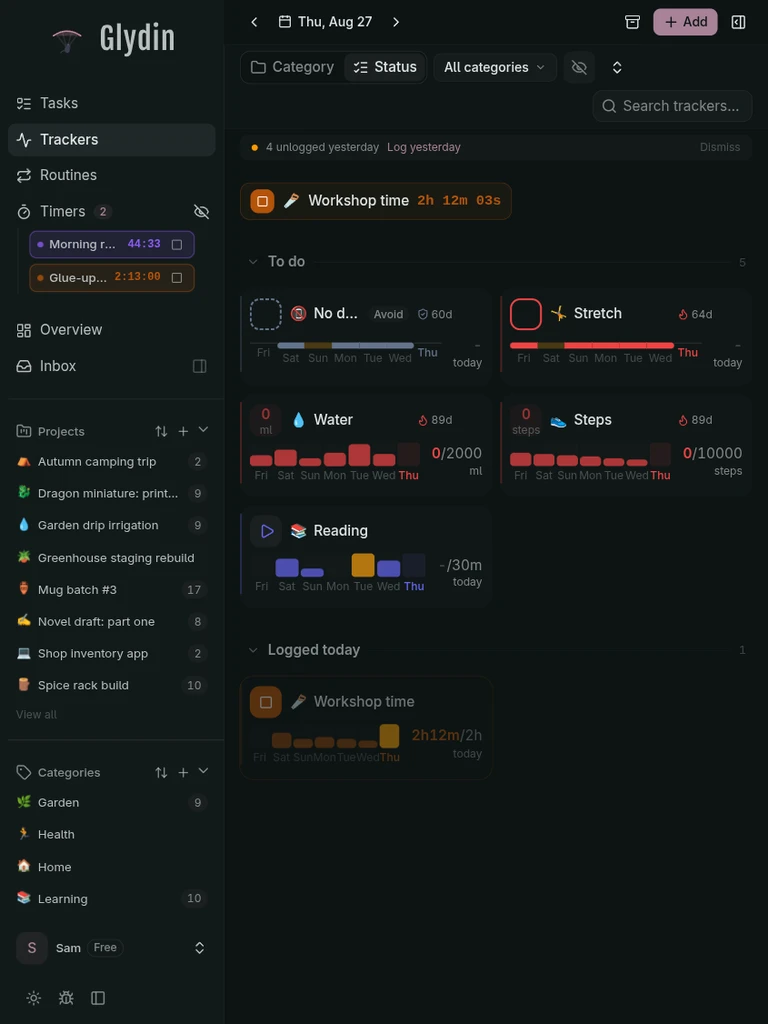
We track so much more in our life that simple habit trackers are not enough. What doesn't get measured gets forgotten. With easy input that allows you to keep your day going, and keep your mind clear.
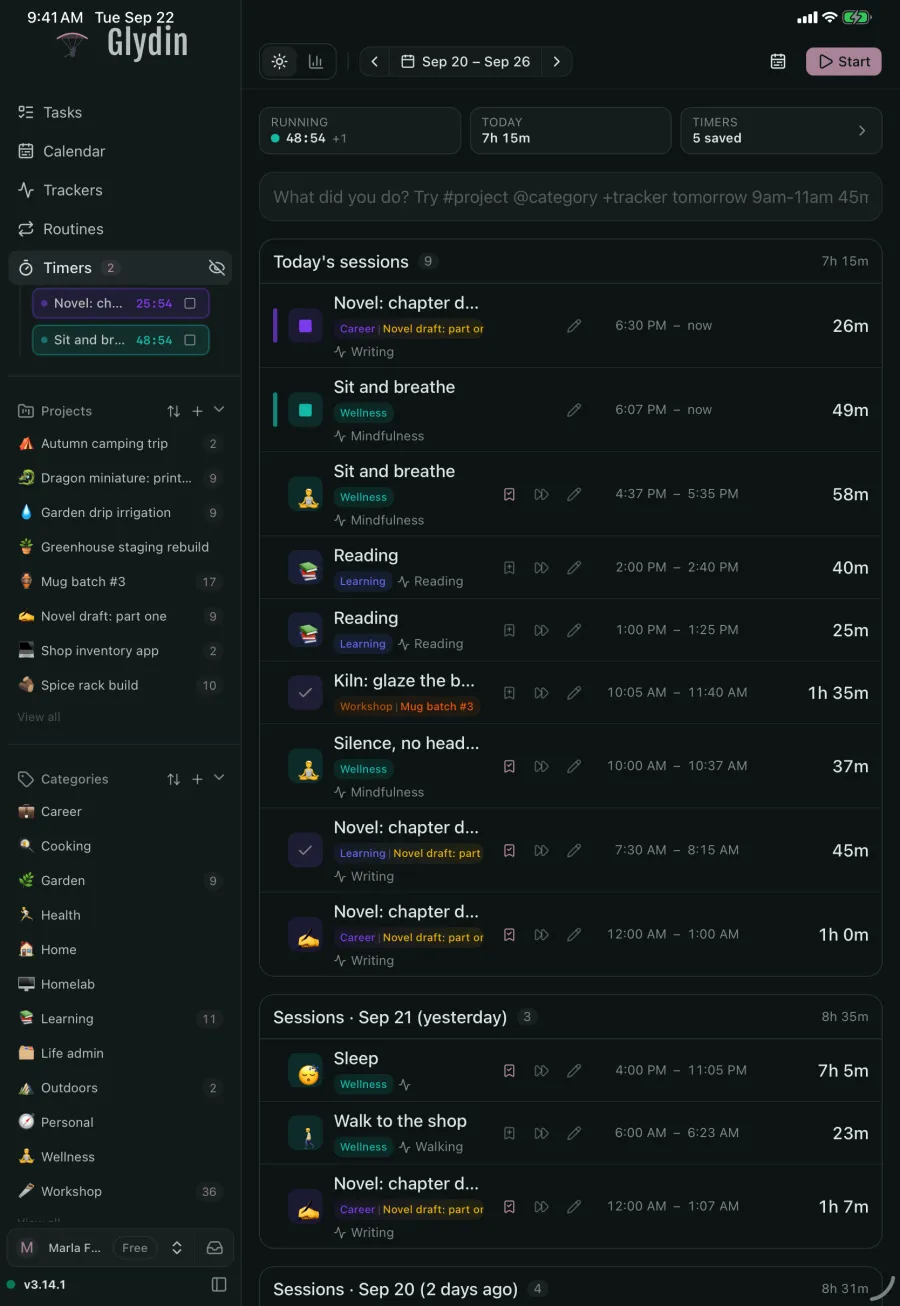
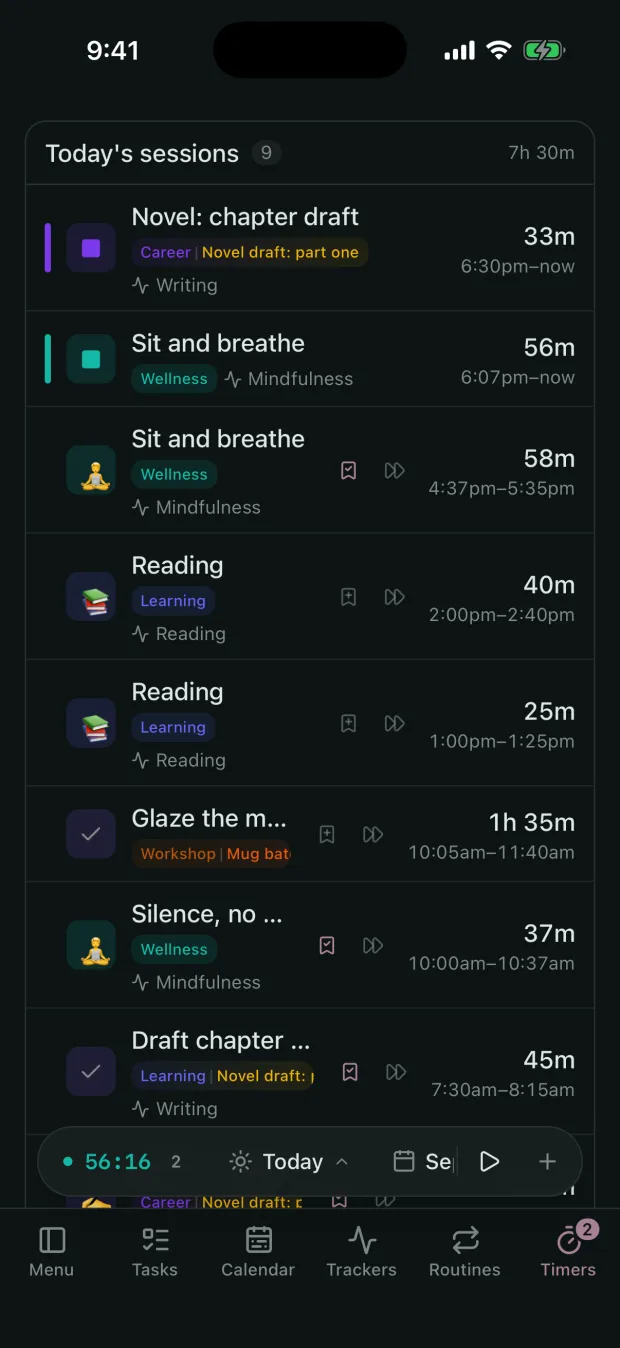
Timers that allow you to link tasks, projects, categories, hobbies ANYTHING. Stop feeling like your time is disappearing into the black void. Multi tasking? Track it concurrently, and see how your time is spent.
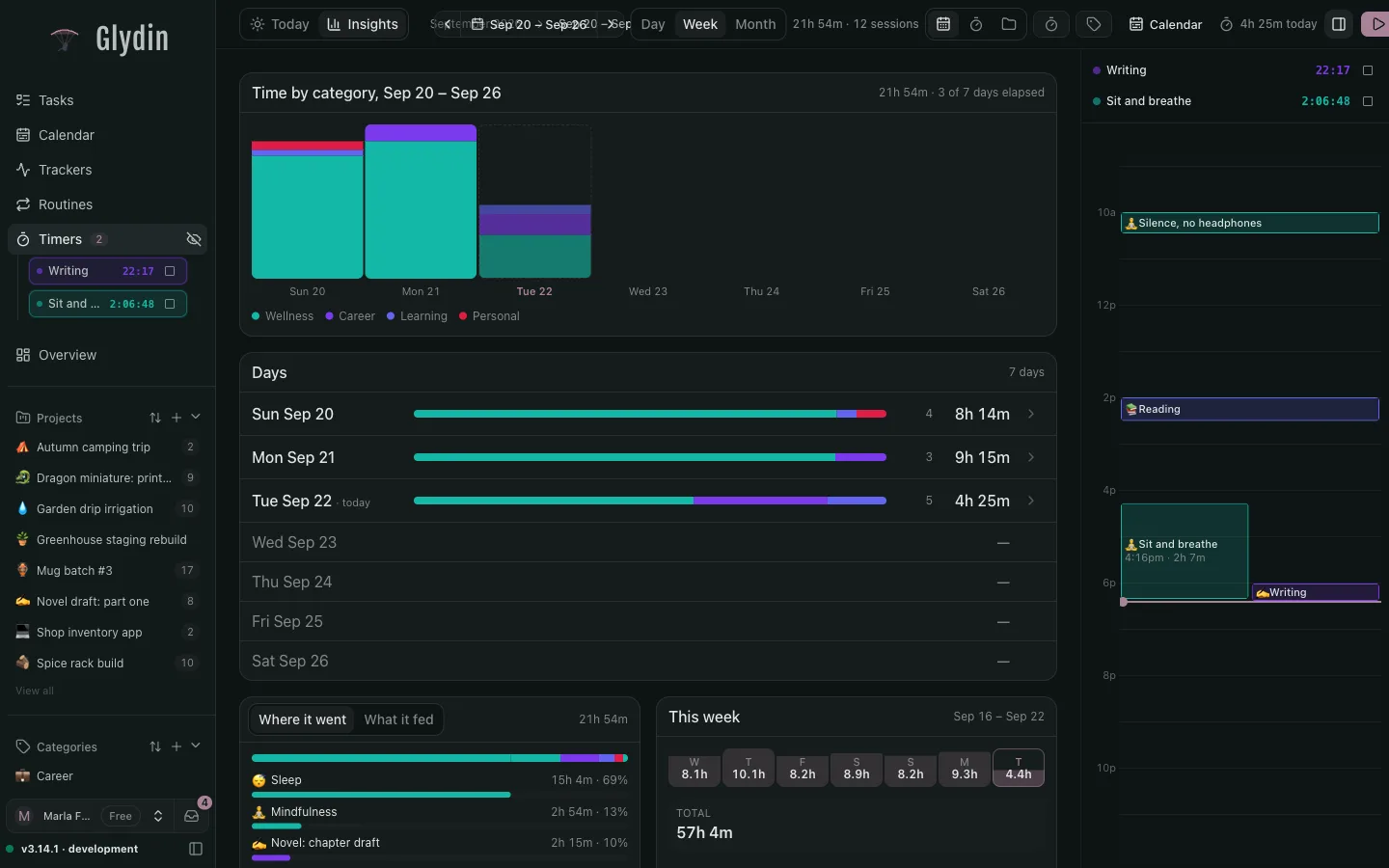
With multiple timers, easy input what do I get? a full view of what your week goes. Understand, improve and get a more relaxed, productive or focused week. The power is in your hands
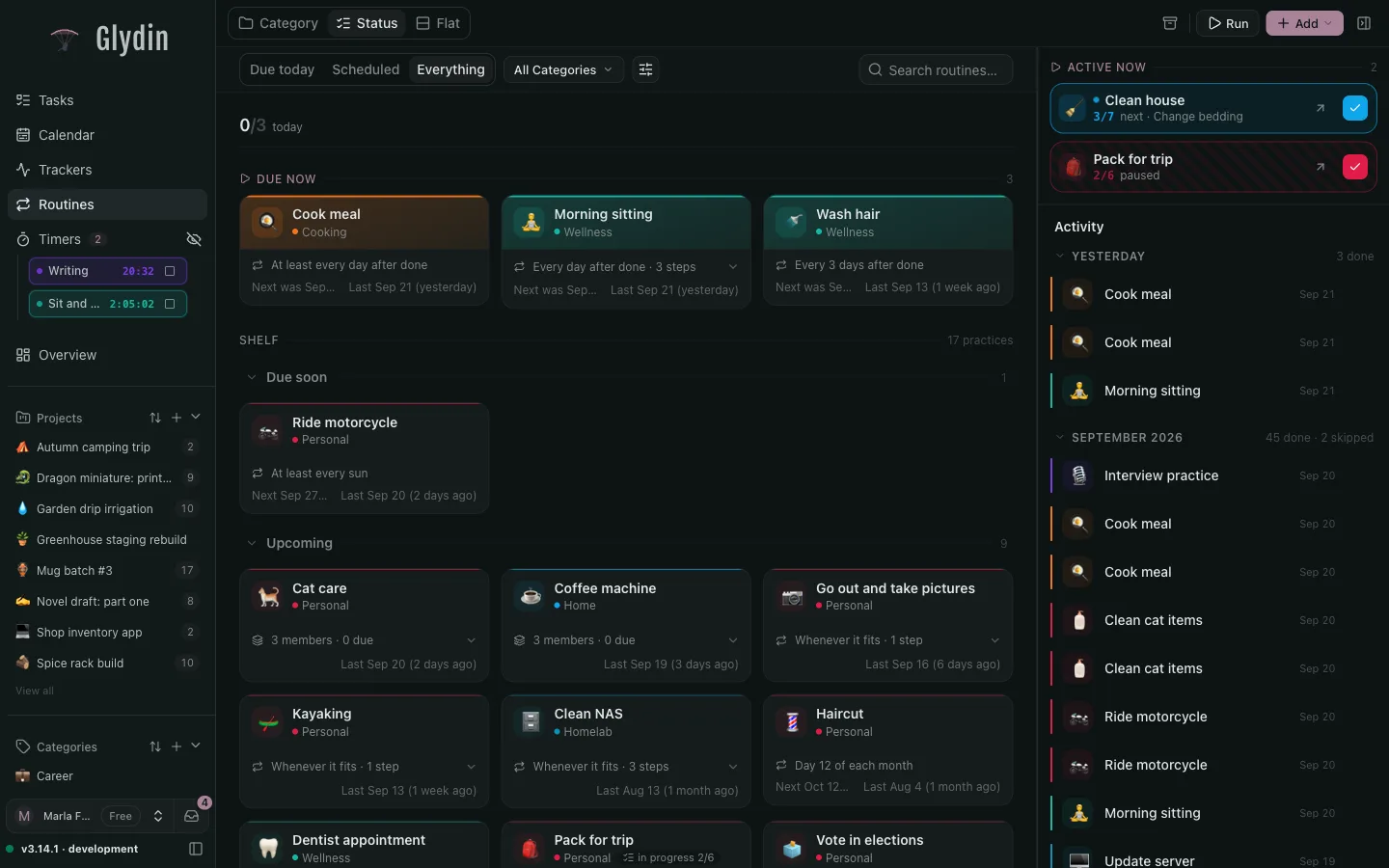
Routines help you discover rhythm and remember what matters the most. Unlike daily trackers or timers that give vision into what you have done on the daily, routines help you discover what happens in the in-between times to improve on what you do. Did it? mark it. Done
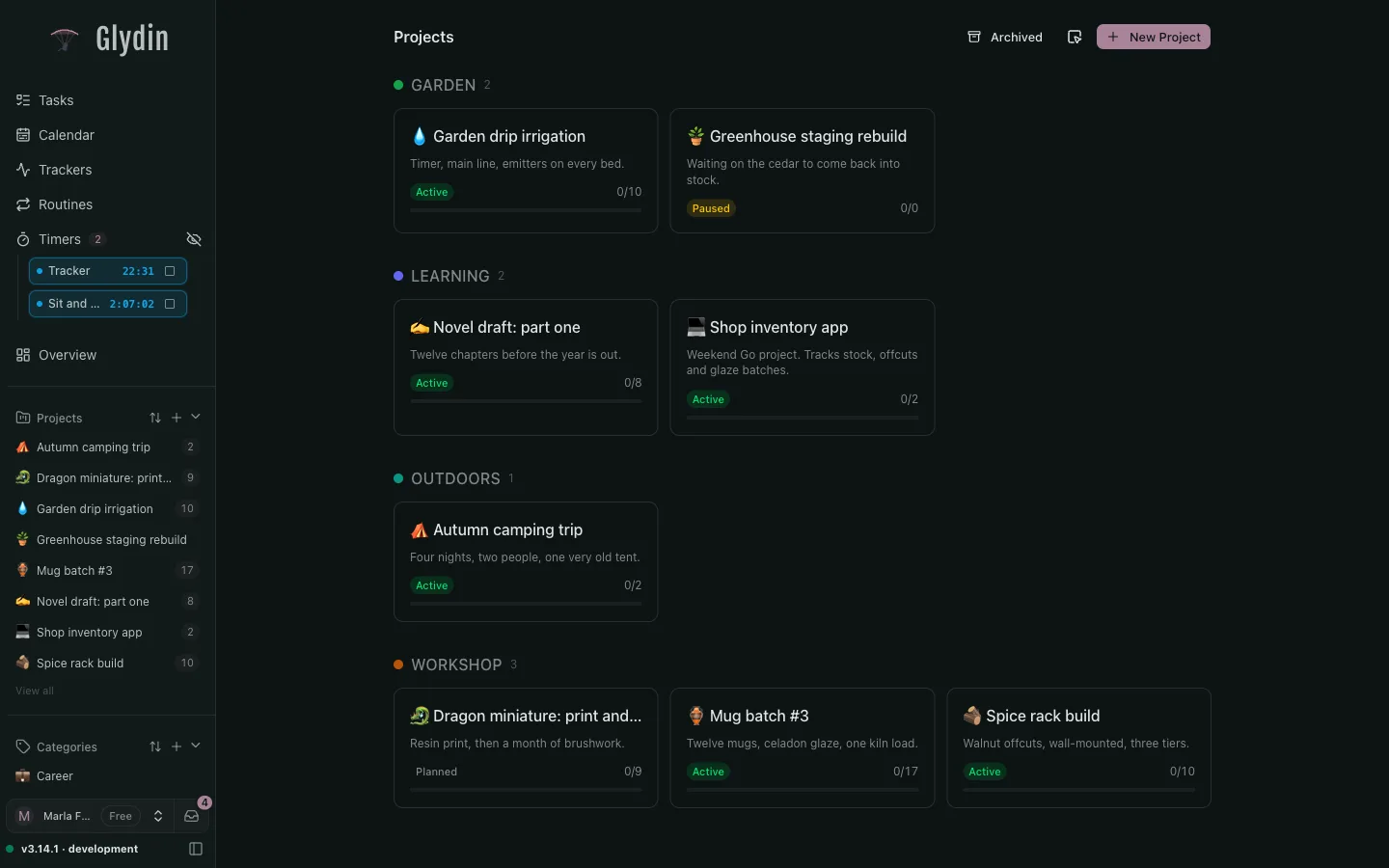
For makers, builders, and hobbyists with more projects than teammates.
Free
$0
The core app, free. Pro features show a lock until you upgrade.
Glydin Pro
$9/month
Everything Glydin does, one price.
The same tasks, routines and trackers, sized for a thumb. The phone app is a work in progress, so here is where it stands today.
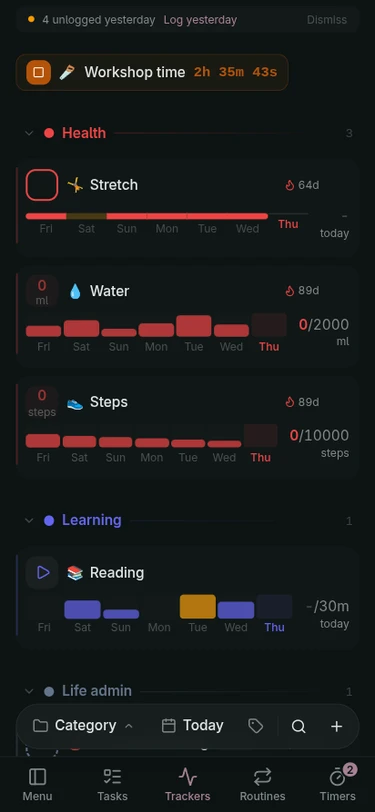
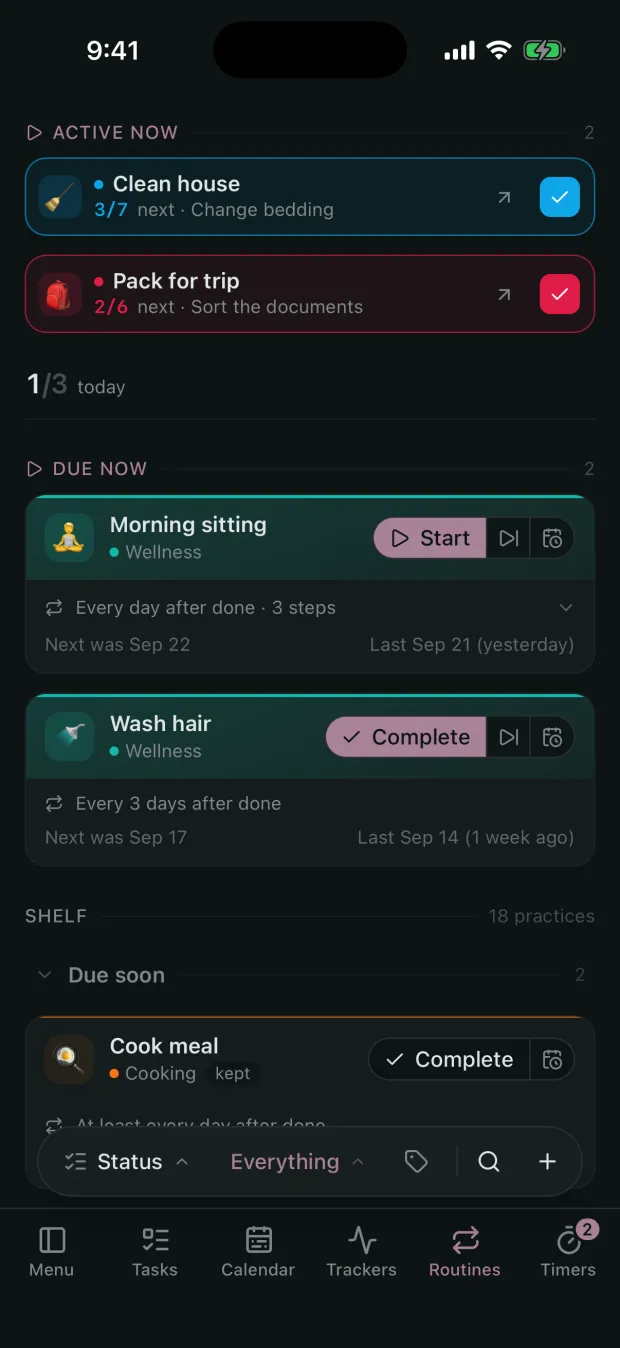
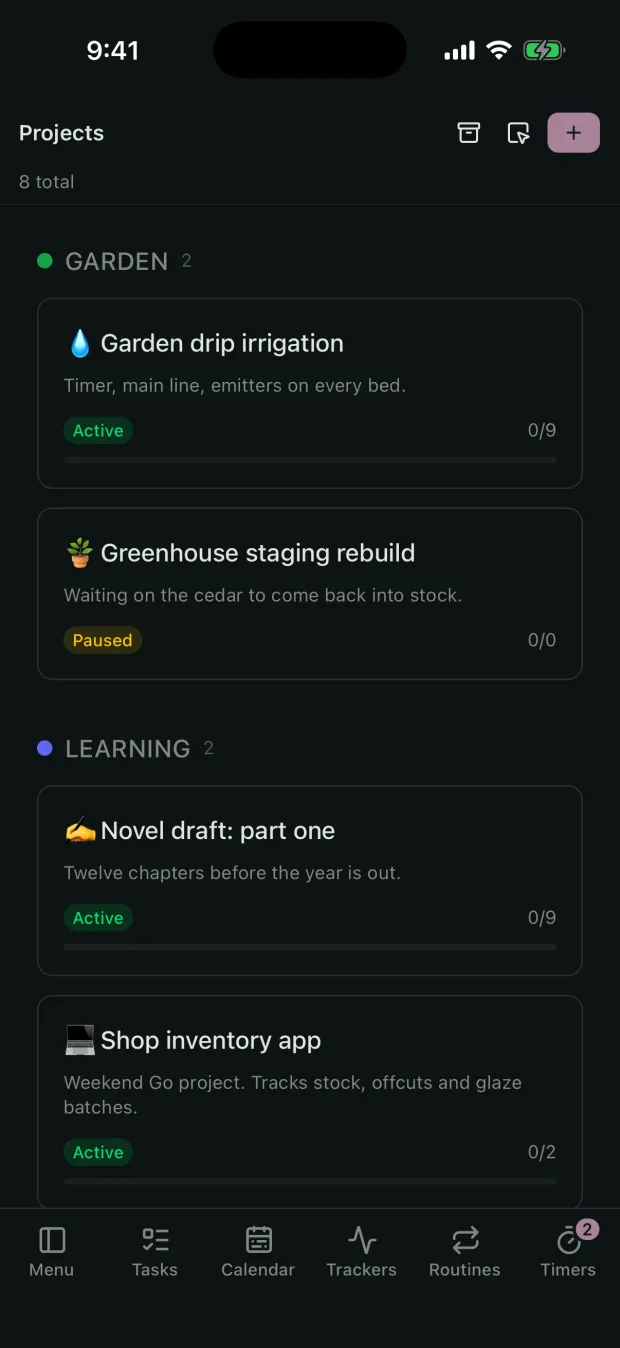
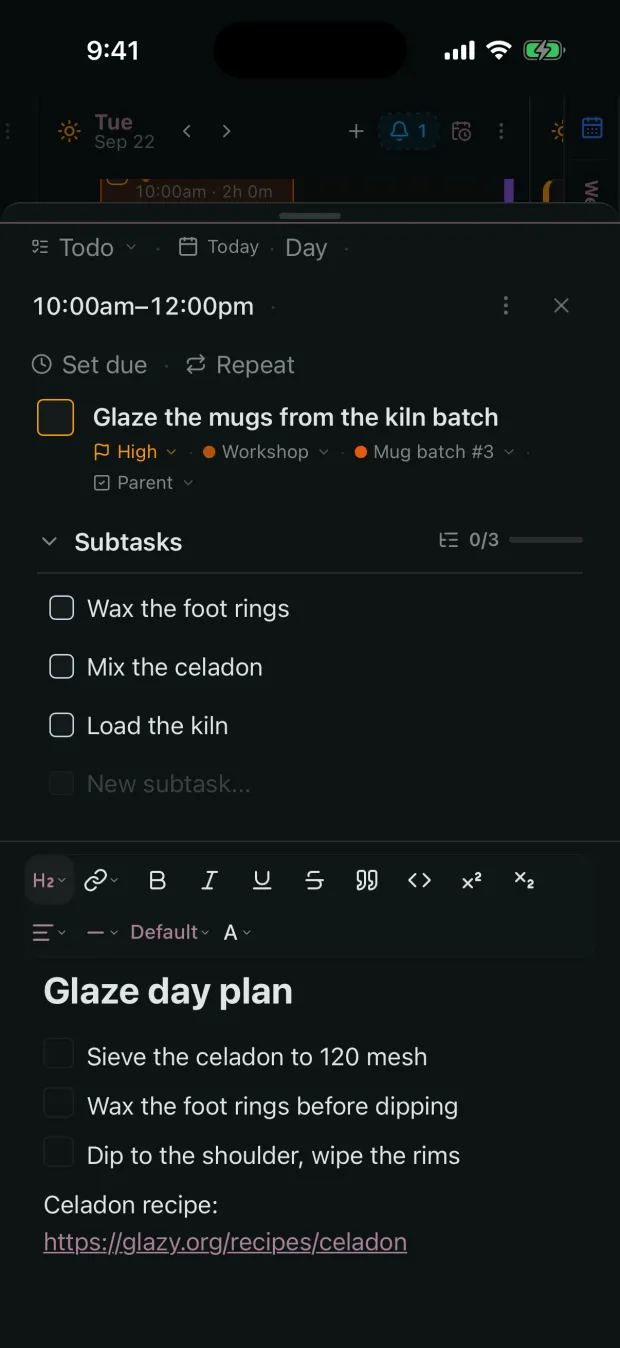
Now on the App Store. Google Play is coming soon.
A look at what we are building next.
Type "gym friday 6pm !p1" and Glydin files it for you.
Habits, intake, sleep, and timers logged in one tap.
Track sessions and see your whole week on one timeline.
Jump anywhere in your day with Cmd+K.
Close the day and see everything you actually did.
Capture context next to the tasks and days it belongs to.
See how your routines and habits actually move your days.
Connect them through MCP so they work with your day, on your terms.
Your day stays private by default.
Glydin on your phone and desktop.
A social layer for the parts you choose to make public.